
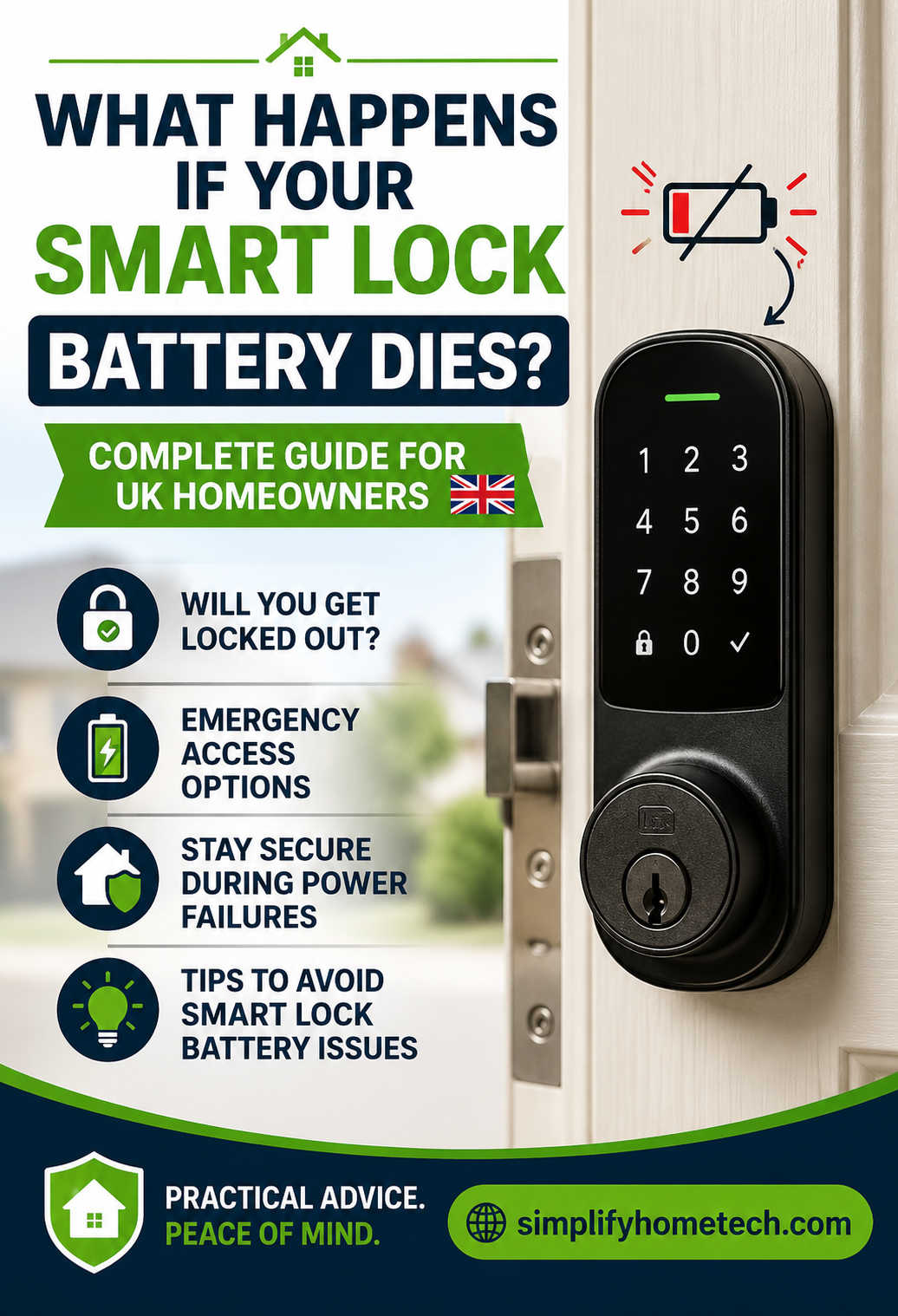
Smart locks are becoming a common feature in homes across the UK. From keyless entry and remote access to smartphone controls and enhanced security, these devices offer a level of convenience that traditional locks simply cannot match. However, one question continues to worry many homeowners before and after installation:
What happens if the smart lock battery dies?
It’s a valid concern. After all, if your front door relies on battery power, what happens when that power runs out? Could you end up locked outside your own home? Will the lock stop working completely? Is your property still secure?
The good news is that modern smart locks are designed with battery failure in mind. Manufacturers know that batteries eventually run out, so most quality smart locks include backup access options and warning systems to help prevent lockouts.
In this guide, we’ll explain exactly what happens when a smart lock battery dies in the UK, how different smart locks handle power loss, what emergency access methods are available, and how you can avoid problems before they occur.
The Short Answer: Will a Dead Smart Lock Battery Lock You Out?
In most cases, no.
A dead battery does not automatically mean you’ll be locked out of your home. Most smart locks sold in the UK have built-in backup systems that allow homeowners to regain access even when the battery is completely depleted.
Depending on the model, these backup options may include:
- A traditional key override
- Emergency battery terminals
- USB emergency charging ports
- Backup passcodes
- Alternative entry methods
- Smart home integration backups
That said, the exact outcome depends on the smart lock you own and whether you’ve prepared for a battery failure in advance.
Understanding how your particular lock works can save you a lot of stress in an emergency.
How Smart Lock Batteries Work
Unlike traditional door locks, smart locks rely on electrical power to operate their electronic features.
Most smart locks use either:
- AA alkaline batteries
- Lithium batteries
- Rechargeable battery packs
The battery powers functions such as:
- Keypad entry
- Fingerprint recognition
- Bluetooth connectivity
- Wi-Fi communication
- Smartphone app controls
- Auto-locking features
- Security alerts and notifications
The mechanical locking mechanism itself usually remains intact. The battery mainly powers the electronics that allow convenient access.
This distinction is important because when the battery dies, it doesn’t necessarily mean the lock becomes insecure or unusable.
How Long Do Smart Lock Batteries Last?
Battery life varies significantly depending on the lock model and how often it’s used.
For most UK households, smart lock batteries typically last between six months and two years.
Several factors affect battery life:
Frequency of Use
A front door used dozens of times per day will drain batteries much faster than a rarely used side entrance.
Wi-Fi Connectivity
Smart locks connected directly to Wi-Fi generally consume more power than Bluetooth-only models.
Weather Conditions
Cold temperatures can reduce battery efficiency, especially during the UK’s winter months.
Battery Quality
Premium batteries often provide better performance and a longer lifespan compared to budget alternatives.
Smart Features
Features such as remote unlocking, activity monitoring, and voice assistant integration may increase power consumption.
Because battery life varies so much, homeowners should monitor battery levels regularly rather than relying on estimated replacement schedules.
Warning Signs Before a Smart Lock Battery Dies
One of the biggest myths surrounding smart locks is that they suddenly stop working without warning.
In reality, most modern smart locks provide multiple alerts long before the battery becomes critically low.
Smartphone Notifications
Many smart lock apps send notifications when battery levels drop below a certain threshold.
These alerts often appear weeks before the battery becomes completely exhausted.
Common messages include:
- Low battery detected
- Battery replacement recommended
- Critical battery warning
Ignoring these notifications is one of the most common causes of avoidable lockouts.
Audible Warnings
Some smart locks emit warning beeps whenever the lock is operated.
You may hear:
- Multiple beeps after unlocking
- Alert sounds during locking
- Repeated warning tones
These sounds are designed to remind users that battery replacement is needed soon.
Flashing Lights
Many smart locks use LED indicators to communicate battery status.
You might notice:
- Flashing red lights
- Amber warning indicators
- Repeated blinking patterns
Always check your lock’s manual to understand what these signals mean.
Slower Performance
As battery power decreases, some smart locks become less responsive.
Signs may include:
- Delayed unlocking
- Slower fingerprint recognition
- Reduced Bluetooth range
- Inconsistent keypad responses
These issues often appear before complete battery failure.
What Actually Happens When the Battery Dies?
When a smart lock battery reaches zero power, the electronic functions stop working.
The exact effects depend on the model, but typically include the following.
Keypad Access Stops Working
If your lock uses a keypad, the buttons may stop responding completely.
The keypad might:
- Fail to illuminate
- Ignore button presses
- Refuse to accept codes
Without power, the electronic system cannot process access requests.
Smartphone Access Becomes Unavailable
Most smart locks require battery power to maintain communication with mobile devices.
A dead battery usually means:
- No Bluetooth connectivity
- No Wi-Fi connection
- No remote unlocking
- No app control
The lock effectively becomes offline.
Fingerprint Scanners Stop Functioning
Biometric systems require electrical power to scan and verify fingerprints.
Once the battery dies, fingerprint access generally becomes unavailable until power is restored.
Smart Features Shut Down
Additional features may stop working, including:
- Auto-locking schedules
- Activity logs
- Security alerts
- Voice assistant integrations
- Remote monitoring
The lock essentially loses its “smart” capabilities.
Does the Door Automatically Unlock When the Battery Dies?
No.
This is one of the most common misconceptions among homeowners considering a smart lock.
A dead battery does not usually cause the door to unlock.
Most quality smart locks are designed as “fail-secure” devices. This means they remain locked even when power is lost.
From a security perspective, this approach makes sense because homeowners would not want a simple battery failure to compromise the security of their property.
When power disappears, the lock generally remains in its last locked state until an authorised user gains access through a backup method.
Smart Locks With Physical Key Backup
Many smart locks available in the UK include a traditional key cylinder.
This remains one of the most reliable backup solutions.
If the battery dies:
- Insert the physical key.
- Unlock the door manually.
- Enter your home.
- Replace the batteries.
This backup system offers peace of mind because it works regardless of battery condition.
Many homeowners specifically choose smart locks with key overrides because they combine modern convenience with traditional reliability.
If you’re purchasing a new smart lock, a physical key backup is often worth considering.
Smart Locks With Emergency Battery Contacts
Some smart locks do not use a traditional key.
Instead, they feature emergency battery contacts located on the outside of the lock.
When the internal batteries die:
- Hold a 9-volt battery against the contact points.
- The lock temporarily powers on.
- Enter your code or use your preferred access method.
- Unlock the door.
- Replace the internal batteries immediately.
This emergency power system allows access without permanently recharging the lock.
It simply provides enough electricity for temporary operation.
Smart Locks With USB Emergency Charging
An increasing number of smart locks now include USB emergency power ports.
This is particularly useful because many people already carry portable power banks.
If the battery dies:
- Connect a power bank to the emergency USB port.
- Allow the lock to receive temporary power.
- Unlock the door normally.
- Recharge or replace the internal battery.
For many homeowners, this is one of the most convenient backup options available.
What If Your Smart Lock Has No Backup Access Method?
Although uncommon, some electronic locks rely entirely on battery-powered access systems.
If the battery dies and no emergency access option exists, entry may become difficult.
Possible solutions include:
- Entering through another door
- Using a spare key for a secondary lock
- Contacting the manufacturer
- Calling a locksmith
Before purchasing any smart lock, it is worth checking what happens during a complete battery failure.
A backup access method can make a significant difference during an emergency.
Can You Leave the House If the Battery Dies?
In most cases, yes.
Smart locks are generally designed to allow safe exit from inside the property.
Many models include:
- Manual thumb turns
- Internal release mechanisms
- Mechanical overrides
Even if the battery is completely dead, occupants can usually leave the property without difficulty.
This is particularly important for safety and emergency situations.
What Happens During a Power Cut in the UK?
Many people confuse a dead smart lock battery with a household power outage.
The two situations are very different.
Most smart locks operate independently using internal batteries.
As a result:
- Power cuts do not usually affect lock operation.
- Doors remain locked and secure.
- Keypad access continues working.
- Battery-powered functions remain active.
However, internet-based features may become unavailable if your broadband router loses power.
You may temporarily lose:
- Remote access
- Smartphone notifications
- Cloud-based monitoring
Once power returns, these features normally reconnect automatically.
How UK Weather Can Affect Smart Lock Batteries
The UK’s climate can influence smart lock performance more than many homeowners realise.
Cold weather is particularly important.
Low temperatures can:
- Reduce battery efficiency
- Shorten battery life
- Slow electronic responses
- Trigger low battery warnings earlier than expected
Homes in colder regions may notice battery replacement is needed more frequently during winter.
To improve reliability:
- Use high-quality batteries
- Avoid mixing old and new batteries
- Replace batteries before winter if they are already low
- Follow manufacturer recommendations
These simple steps can reduce the risk of battery-related issues.
How Often Should Smart Lock Batteries Be Replaced?
Many homeowners wait until they receive a warning notification.
While this often works, a proactive replacement schedule is even better.
Heavy Daily Usage
Replace batteries every 6 to 9 months.
This includes:
- Large households
- Shared accommodation
- Holiday rentals
- Airbnb properties
Average Family Homes
Replace batteries approximately every 9 to 12 months.
Low-Traffic Doors
Replace batteries every 12 to 24 months, depending on usage.
Many homeowners simply replace batteries annually as a preventative measure.
The cost is minimal compared to the inconvenience of dealing with a lockout.
Common Mistakes Homeowners Make
Understanding what not to do can be just as important as understanding what to do.
Ignoring Low Battery Warnings
The most common mistake is postponing battery replacement after receiving alerts.
Many lockouts occur because users assume they have more time than they actually do.
Using Cheap Batteries
Budget batteries may offer inconsistent performance and shorter life spans.
Quality batteries generally provide more reliable operation.
Forgetting Emergency Access Procedures
Some homeowners never learn how their lock’s backup system works.
In an emergency, this can create unnecessary stress.
Not Keeping Spare Batteries
Having replacement batteries available inside the home can save valuable time.
Failing to Test Backup Methods
If your lock includes a physical key or emergency power option, test it occasionally to ensure it works as expected.
What To Do If You Get Locked Out
If your smart lock battery dies and you cannot enter your property, follow these steps.
Check for Alternative Entry Points
Look for:
- Back doors
- Garage access
- Conservatory doors
- Spare keys
Use Emergency Power Features
If your lock supports:
- USB emergency charging
- 9-volt battery contacts
- External battery packs
follow the manufacturer’s instructions.
Contact Manufacturer Support
Many manufacturers provide troubleshooting assistance that can help resolve access issues.
Call a Qualified Locksmith
If all else fails, a professional locksmith can usually gain access without causing significant damage to the lock or door.
Choosing the Right Smart Lock for UK Homes
If you’re shopping for a smart lock, battery failure should be one of the factors you evaluate.
Look for features such as:
- Long battery life
- Physical key override
- Emergency charging capability
- Low battery alerts
- Weather resistance
- Strong customer support
The best smart lock is not necessarily the one with the most features. It’s the one that balances convenience, security, and reliability.
A well-designed backup system can make a huge difference if batteries ever run out unexpectedly.
Frequently Asked Questions
Can a smart lock battery die suddenly?
It is possible but uncommon. Most smart locks provide multiple warnings before complete battery failure.
Is a dead smart lock still secure?
Yes. Most smart locks remain locked when power is lost, helping maintain security.
Can cold weather drain smart lock batteries faster?
Yes. Low temperatures can reduce battery performance and shorten battery life.
Do smart locks work during power cuts?
Usually yes. Most smart locks use internal batteries rather than mains electricity.
Should I replace batteries before they are empty?
Absolutely. Preventative replacement is the simplest way to avoid lockouts.
Final Thoughts
So, what happens if your smart lock battery dies in the UK?
In most situations, very little happens from a security perspective. The door typically remains locked and protected, while backup access options allow authorised users to regain entry. Modern smart locks are specifically engineered to handle battery failure without compromising security.
The real key to avoiding problems is preparation. Understanding your lock’s backup features, paying attention to battery warnings, and replacing batteries before they become critically low can prevent almost every battery-related issue.
Smart locks offer a convenient and secure way to protect your home, and battery failure should not be a major concern when the lock is properly maintained. By taking a few simple precautions, you can enjoy all the benefits of keyless entry without worrying about being locked out when the batteries eventually run out.
You might also like,
Best Smart Locks with Apple HomeKit Support in the UK (2026 Guide)