
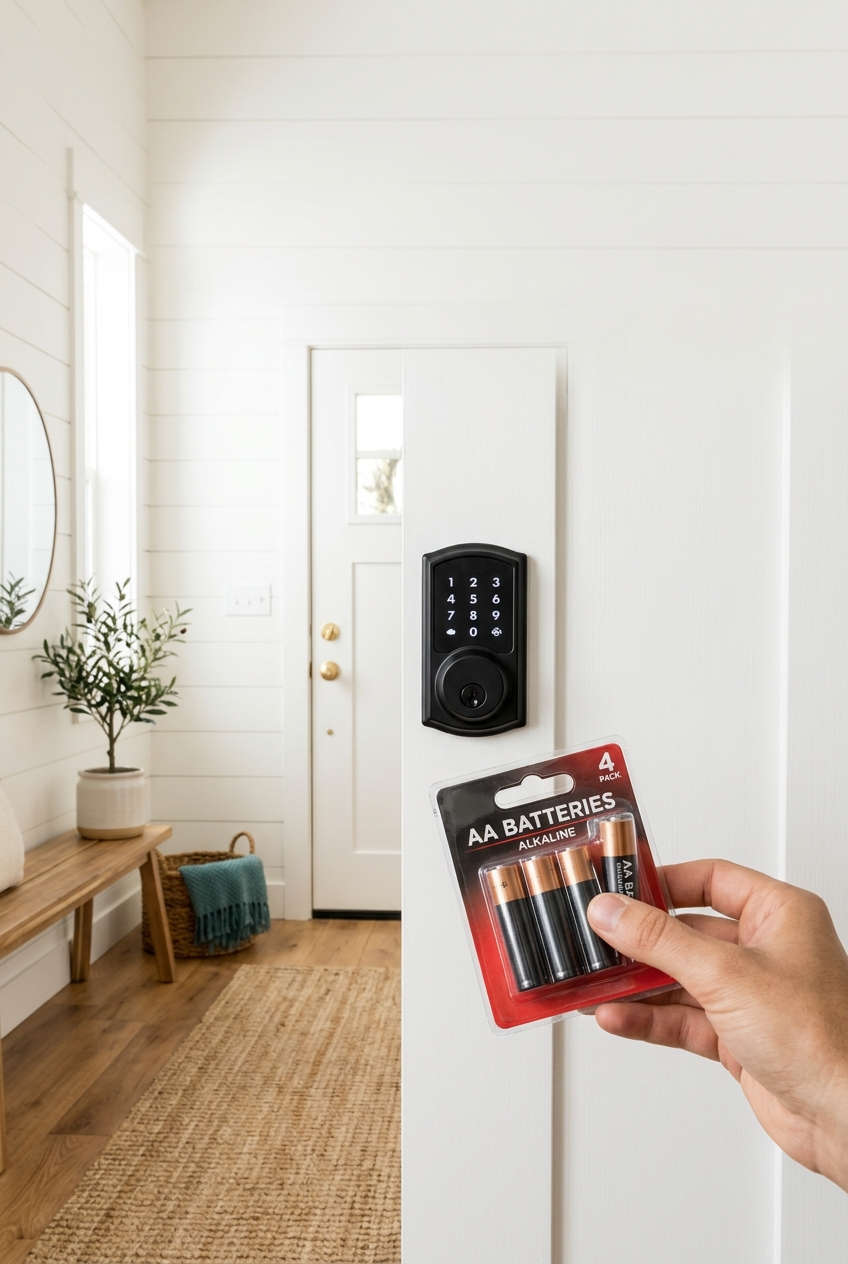
You swap in a fresh set of batteries, and a few weeks later your Schlage lock is flashing a low-battery warning again. If that sounds familiar, you’re not alone, and you’re probably not stuck with it. A lock that burns through batteries is almost always reacting to something specific, such as a sticky door, a weak signal, or a setting that keeps it busy around the clock.
The good news is that you can track the cause down without any special tools. This guide walks through what normal battery life looks like, the most common reasons a Schlage keypad or smart lock drains power too quickly, and a set of fixes you can try in order. Each fix comes with a short explanation of why it works, so you can decide what’s worth your time. We’ll also look at when it makes sense to call for support or move on to a different lock.
How Long Should Schlage Lock Batteries Last?
Before chasing a problem, it helps to know what “normal” looks like. Most Schlage keypad and smart deadbolts, including the Encode, Encode Plus, Sense and the standard keypad models, run on four AA batteries. A lock in good shape will usually go several months on a single set, and many households get close to a year.
The range is wide because a few things change the math:
- Connection type: Wi-Fi models keep a radio ready for commands, so they use more power than locks that only wake up when you touch them.
- Daily traffic: A door used forty times a day will drain batteries faster than one used four times.
- Climate and door condition: Cold air and a door that fights the bolt both make the battery work harder.
These are rough, real-world ranges rather than guarantees, and your model’s manual is the best reference. A decent rule of thumb is this: if you’re replacing batteries every month or two, something is off, and it’s worth investigating rather than just buying more AAs.
Why Your Schlage Lock Keeps Draining Batteries
A smart lock is a small motor, a circuit board and sometimes a radio, all running off four AA cells. When the drain is unusually fast, one of those parts is being asked to do too much. Here are the usual suspects, starting with the ones that cause the most trouble.
Weak or Mismatched Batteries
Not every AA is equal. Budget multipacks and old stock often hold less charge than they claim, and mixing new cells with partly used ones forces the fresh batteries to compensate for the weak ones. Schlage recommends alkaline batteries, and the lock’s low-battery alert is calibrated around their voltage. Rechargeables start lower and can set off warnings early or stop without much notice.
A Door That Makes the Motor Struggle
This is the cause people miss most often. If the deadbolt scrapes the strike plate, or the door has shifted a little with humidity and settling, the motor has to push harder every time the lock turns. More effort means more current, and a lock that strains on each cycle can empty a set of batteries in a few weeks instead of a few months.
A Poor Wi-Fi or Bluetooth Connection
On connected models, a weak signal is a quiet power drain. When the lock can’t hold a steady link to your router, the radio keeps trying to reconnect, and all that retrying uses far more energy than a stable connection would. A lock sitting at the far edge of your network is a common offender.
Heavy Use and Extra Features
Every lock and unlock uses the motor, and features like auto-lock, keypad beeps, remote commands and voice assistants add more cycles and more wake-ups. In a busy home, those small costs stack up quickly.
Cold Weather
Alkaline batteries produce less power in low temperatures. An exterior door that gets freezing air may show a low-battery warning in January and then recover in spring, which can look like a defect when it’s really just chemistry.
Dirty Contacts or Leaking Batteries
White or greenish residue inside the battery compartment adds electrical resistance, so the lock has to draw more to get the same result. Even a thin film can interfere with a clean connection.
Software Glitches or a Tired Motor
Less often, a firmware bug keeps the lock awake when it should be idle, or an aging motor pulls more current than it used to. These are worth checking only after you’ve ruled out the simpler causes above.
How to Fix Schlage Battery Drain, Step by Step
The fixes below are ordered from quickest and cheapest to most involved. Try them in sequence, and stop as soon as the problem goes away. Many people find their answer in the first three.
Step 1: Install a Fresh Set of Matching Alkaline Batteries
Begin with four new, name-brand alkaline AAs from the same pack, and make sure each one sits the right way round. Wipe the contacts with a dry cloth first, or with a little rubbing alcohol if you see any crust. Why it works: it removes the most common and easiest variable. If the lock still drains quickly on good, matched cells, you know the batteries weren’t the real problem. Put a dated strip of tape inside the cover so you can measure how long they actually last.
Step 2: Check How the Bolt Moves With the Door Open
With the door open, turn the thumb turn and watch the deadbolt extend and retract. It should glide without scraping, hesitating or buzzing. Why it works: with the door open, nothing outside the lock is resisting it. If the bolt moves smoothly here but struggles when the door is closed, you’ve found a misalignment problem rather than a faulty lock.
Step 3: Realign the Strike Plate and Latch
If the bolt sticks only when the door is shut, loosen the strike plate screws and nudge the plate until the bolt slides in freely. If the hole sits slightly off, a small file can widen it. Why it works: a bolt that enters its hole without rubbing needs far less motor effort, which directly reduces how much current each lock cycle draws. For many people, this single adjustment turns a few weeks of battery life into many months.
Step 4: Listen to the Motor
When the lock runs, you should hear a short, confident whir. A slow, labored or long-running buzz is a sign of strain. Why it works: sound is a quick, tool-free way to judge effort. A strained motor on a properly aligned door suggests a worn lock, which points toward support or replacement rather than more tinkering.
Step 5: Strengthen the Wi-Fi Signal Near the Door
On a connected model, open the Schlage Home app and look at the lock’s connection quality. If the signal is weak, move your router closer, add a mesh node near the door, or use a hub-based setup. Why it works: a stable connection lets the radio stay calm, while a shaky one forces constant reconnection attempts that quietly consume power.
Step 6: Update the Lock’s Firmware
Check the app for a firmware update and install it if one is available. Why it works: manufacturers sometimes release updates that fix power-management bugs, so a lock that seems to stay awake too long may simply need newer software.
Step 7: Scale Back Features You Don’t Need
Turn off keypad sounds, limit frequent remote or voice commands, and consider disabling auto-lock if it cycles the bolt many times a day. Why it works: each unnecessary lock cycle or wake-up costs a little energy, and in a busy household those little costs add up over weeks.
Step 8: Reset and Re-Pair the Lock
If nothing has helped, follow your model’s manual to factory reset the lock and set it up again. Why it works: a reset clears stored settings and connection states that can occasionally leave the lock in a power-hungry loop. Treat it as a last software step, since you’ll need to re-add your codes and reconnect the lock to your network.
Step 9: Track Results for Two to Four Weeks
After your changes, run the lock for a few weeks and check the battery indicator now and then. Why it works: battery drain is slow, so a short test can mislead you. A steady log tells you whether the fix really worked or whether the problem is still there.
Everyday Habits That Make Smart Lock Batteries Last Longer
Once your lock is running smoothly, a few simple routines keep it that way. None of them take long, and together they prevent most repeat problems.
- Replace all four batteries together. Mixing old and new cells makes the fresh ones carry extra load, which shortens the life of the whole set.
- Swap them at the first low-battery alert. Running cells to empty puts stress on the motor and raises the risk of leakage that can damage the contacts.
- Do a seasonal door check. Wood swells in humid months and houses settle over time, so a quick open-door test in spring and autumn can catch binding before it costs you batteries.
- Give the lock a strong signal. A small mesh node or extender near the door is an inexpensive way to protect a connected lock.
- Plan for winter. If your door sees freezing temperatures, expect shorter life in cold months. Some owners try lithium AAs for better cold-weather performance, but check your manual first, since low-battery indicators are designed with alkaline in mind.
- Keep spares and a backup key. A fresh set near the door and a physical key somewhere safe mean a dead battery never turns into a lockout.
Should You Contact Schlage, Repair or Replace the Lock?
Most battery problems are fixable, so replacing a lock should rarely be your first move. Still, there are situations where the lock itself is the issue, and it’s worth being clear-eyed about when to get help and when a different product might serve you better.
When It’s Worth Contacting Schlage Support
Reach out if a fresh set of good batteries dies within a few weeks even though the door moves freely, the signal is strong and the firmware is current. Other signs include a motor that sounds strained on a properly aligned door, batteries that drain while the lock sits idle, or erratic behavior that returns after a reset. Have your model number, the install date and your dated battery notes ready. Warranty coverage for electronics is often shorter than for mechanical parts, so check your terms, because a relatively new lock may qualify for a replacement.
Who Might Consider a Different Type of Lock
Replacement makes sense in a few specific cases, and it isn’t right for everyone:
- You rely on Wi-Fi and have a hard-to-reach door. If your router can’t cover the entrance and adding a mesh node isn’t practical, a lock that uses a low-power protocol through a hub may sip less energy than one that keeps a Wi-Fi radio active.
- Your lock is out of warranty and clearly worn. If the motor is struggling on a well-aligned door, repeated battery changes may cost more in time and money than a new lock.
- Your household uses the door constantly. For a very busy entrance, a model designed around heavy daily traffic, or a setup with fewer automatic features, may suit you better.
Who Should Probably Keep Their Current Lock
If your problem disappeared after you fixed the door alignment or boosted the signal, there’s no reason to switch. The same applies if you only see shorter battery life during the coldest weeks of winter. In that case, seasonal planning is a cheaper answer than a new lock. When you do shop, compare how each option connects, how many batteries it uses, and what the warranty covers, so you pick based on your door and habits rather than a feature list.
Schlage Battery Drain: Common Questions
A few questions come up again and again, so here are short, practical answers.
How often should I expect to change Schlage lock batteries?
For most households, every several months to about once a year is reasonable, with connected models usually toward the shorter end. These are approximate figures, so your manual is the best guide for your model.
Can I use rechargeable batteries in a Schlage lock?
Schlage recommends alkaline batteries. Rechargeables run at a lower voltage, which can trigger early low-battery warnings or sudden shutoffs, so most owners are better off sticking with alkaline.
Why does my lock show low battery right after I replaced them?
The usual causes are mixed or old cells, rechargeable batteries, a strained motor, or dirty contacts. Work through the checks above, starting with matched, fresh alkaline batteries and a smooth bolt.
Does a weak Wi-Fi signal really use more battery?
Yes. On a Wi-Fi lock, the radio works harder to stay connected when the signal is poor, and that extra effort draws noticeably more power over time.
Is it normal for the lock to drain faster in winter?
To a degree, yes. Alkaline batteries lose capacity in the cold, so shorter life on a chilly exterior door is common and often returns to normal when temperatures rise.
Final Thoughts: Fix the Cause, Not Just the Batteries
When a Schlage lock keeps draining batteries, it’s usually signaling that something in the setup is working too hard. The most likely culprits are low-quality or mismatched batteries, a door that makes the bolt drag, and a weak connection on Wi-Fi models. Settings, cold weather and dirty contacts can add to the problem, and a worn motor or software glitch is the less common explanation.
The best approach is to take the fixes in order. Put in fresh, matched alkaline batteries, check the bolt with the door open and closed, and strengthen the signal if your lock is connected. Then update the firmware, trim features you don’t need, and track the results over a few weeks. If the lock still struggles after all that, Schlage support or a different type of lock may be the right call.
You don’t need to be a handyman to get this sorted. Pick one fix from this guide, try it this week, and see how your batteries hold up. There’s a good chance you’ll be back to a lock you can forget about for months at a time.
You might also like,
- Best Smart Locks With the Longest Battery Life in 2026
- Best HomeKit Smart Locks in 2026: Top Apple Home Picks
- Why Your Schlage Keypad Lock Fails in the Cold & How to Fix It Fast
- Can Schlage Encode Work Without Wi-Fi? Offline Features Explained
- Best Smart Lock with Handle for Front Door 2026 (Top Picks & Buying Guide)
- Schlage Door Latch Won’t Retract? Easy Fixes, Causes & Expert Solutions Guide