
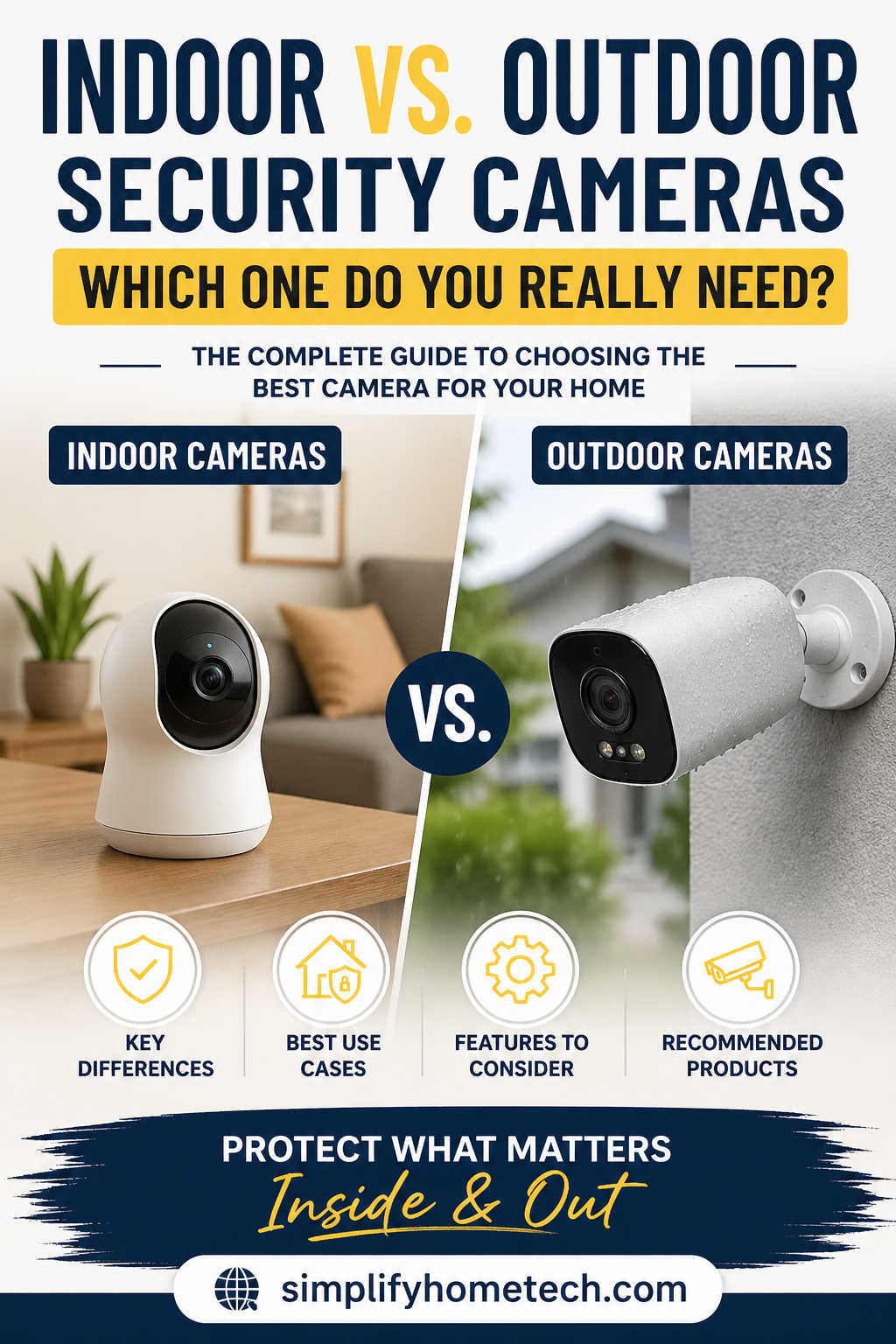
Home security has evolved from basic locks and alarms into intelligent, always-on systems that help you monitor, prevent, and respond to threats in real time. At the center of this transformation are security cameras—but choosing the right type can be confusing.
One of the most common questions homeowners face is simple: Should you install indoor cameras, outdoor cameras, or both?
The answer isn’t one-size-fits-all. It depends on your home layout, lifestyle, security concerns, and budget.
This guide breaks down everything you need to know—from real differences and practical use cases to buying tips and recommended products—so you can make a confident, informed decision.
Understanding the Role of Security Cameras in Modern Homes
Security cameras today do far more than just record footage. They act as:
- Deterrents against crime
- Monitoring tools for family, pets, and property
- Evidence collectors in case of incidents
- Smart assistants that send alerts and automate responses
However, not all cameras are built the same. Indoor and outdoor models are designed with very different environments and purposes in mind.
Choosing incorrectly can leave blind spots—or worse, a false sense of security.
What Are Indoor Security Cameras?
Indoor security cameras are designed specifically for use inside homes, offices, or enclosed environments. They prioritize convenience, affordability, and smart features over rugged durability.
Key Characteristics
Indoor cameras are typically:
- Compact and lightweight
- Easy to install and reposition
- Designed for stable lighting conditions
- Packed with smart features like two-way audio
Common Indoor Use Cases
Indoor cameras work best when you want visibility into daily activities:
- Monitoring children or elderly family members
- Checking in on pets while you’re away
- Keeping an eye on house staff or visitors
- Watching entry points from the inside
- Protecting valuables in living areas
Strengths of Indoor Cameras
Indoor cameras shine in controlled environments. You’ll get:
- Clear video quality without weather interference
- Affordable pricing compared to outdoor models
- Easy setup with minimal tools
- Better integration with smart home systems
Limitations You Should Know
Indoor cameras are not built for harsh conditions. They:
- Cannot handle rain, dust, or extreme temperatures
- Have limited viewing range
- Do not deter outdoor threats
They are reactive rather than preventive.
What Are Outdoor Security Cameras?
Outdoor security cameras are built to protect the perimeter of your home. They are your first line of defense—detecting activity before it becomes a problem.
Key Characteristics
Outdoor cameras are engineered to withstand tough conditions:
- Weatherproof housing (rain, heat, dust)
- Strong night vision capabilities
- Wide-angle lenses
- Long-range motion detection
Common Outdoor Use Cases
Outdoor cameras are ideal for:
- Monitoring front doors and entrances
- Securing driveways and garages
- Watching over backyards and side paths
- Preventing package theft
- Identifying suspicious activity before entry
Strengths of Outdoor Cameras
Outdoor cameras are proactive security tools:
- They deter intruders simply by being visible
- They provide wider coverage
- They perform well in low-light conditions
- They offer early threat detection
Limitations to Consider
Outdoor cameras come with trade-offs:
- Higher cost due to rugged design
- More complex installation
- Exposure to environmental wear over time
Indoor vs. Outdoor Cameras: The Real Differences
While they may look similar at first glance, these two types of cameras serve distinct roles.
Environment
Indoor cameras operate in stable environments. Outdoor cameras must survive unpredictable weather.
Build Quality
Indoor models are lightweight. Outdoor cameras are reinforced and sealed.
Coverage
Indoor cameras focus on specific rooms. Outdoor cameras cover larger areas.
Night Performance
Outdoor cameras typically offer superior night vision and longer range.
Installation
Indoor cameras are plug-and-play. Outdoor setups often require mounting and careful positioning.
The Most Common Mistake to Avoid
Many people try to use indoor cameras to monitor outdoor spaces through windows. While it seems convenient, it creates multiple issues:
- Glare and reflections distort the image
- Night vision becomes ineffective due to glass interference
- Motion alerts trigger unnecessarily from passing lights
If you need outdoor coverage, using a proper outdoor camera is essential.
When Should You Choose Indoor Cameras?
Indoor cameras are the right choice when your focus is on monitoring internal activity.
You should consider indoor cameras if:
- You want to check on family members
- You have pets at home
- You need visibility inside your house while traveling
- You want an affordable security solution
They are particularly useful in apartments or small homes where external monitoring may not be necessary or allowed.
When Should You Choose Outdoor Cameras?
Outdoor cameras are essential when your goal is preventing unauthorized access.
You should prioritize outdoor cameras if:
- You live in a house with multiple entry points
- You receive frequent deliveries
- You want to deter trespassers
- You need visibility around your property
If security is your top priority, outdoor cameras are not optional—they’re essential.
Do You Need Both Indoor and Outdoor Cameras?
In most cases, yes.
Relying on only one type creates gaps in your security system.
- Outdoor cameras help detect threats early
- Indoor cameras capture what happens inside
Together, they provide a layered approach that significantly improves overall safety.
Think of outdoor cameras as your early warning system, and indoor cameras as your backup and verification tool.
Real-Life Scenarios and Best Choices
Apartment Living
Indoor cameras are usually enough. Outdoor installations may not be permitted.
Independent House
A combination of both is ideal. Outdoor cameras secure the perimeter, while indoor cameras provide internal monitoring.
Small Business or Shop
Use outdoor cameras for entrances and indoor cameras for inventory and staff monitoring.
Frequent Travelers
A full system with remote access is highly recommended, including both indoor and outdoor cameras.
Key Features to Look For Before Buying
Essential Indoor Camera Features
- Full HD or higher resolution
- Two-way audio communication
- Motion detection alerts
- Mobile app integration
- Privacy controls (like camera shutter)
Essential Outdoor Camera Features
- Weather resistance (IP65 or higher)
- Infrared or color night vision
- Wide field of view
- Smart motion detection (person/vehicle detection)
- Strong mounting system
Smart Features That Actually Matter
Modern cameras come with many advanced features, but not all are equally useful.
Must-Have Features
- Real-time alerts on your phone
- Person detection to reduce false alarms
- Cloud or local storage options
- Remote live viewing
Nice-to-Have Features
- Built-in sirens
- Spotlight deterrence
- AI-based recognition
- Integration with voice assistants
Focus on features that improve usability and reliability, not just marketing appeal.
Installation Tips for Better Security
Indoor Camera Placement
- Position near entry points
- Place in common areas
- Mount at a height that avoids tampering
Outdoor Camera Placement
- Cover all entry points
- Avoid direct sunlight or strong backlighting
- Ensure proper angle for maximum coverage
- Eliminate blind spots
Good placement can make even a mid-range camera perform like a premium one.
Privacy Considerations You Shouldn’t Ignore
Security should never come at the cost of privacy.
Best Practices
- Avoid placing cameras in private spaces like bedrooms or bathrooms
- Inform guests about surveillance
- Use privacy mode when at home
- Secure your camera system with strong passwords
Balancing safety with respect for privacy is essential.
Cost Breakdown: What to Expect
Indoor Cameras
- Lower upfront cost
- Minimal installation expense
- Affordable maintenance
Outdoor Cameras
- Higher initial investment
- Possible installation costs
- Occasional maintenance due to exposure
While outdoor cameras cost more, they provide critical protection that indoor cameras cannot.
Recommended Security Cameras (Indoor & Outdoor)
Choosing the right product can make a big difference. Here are some reliable options worth considering:
Best Indoor Security Cameras
1. Wyze Cam v3
Affordable and feature-rich, offering excellent video quality and night vision.
2. TP-Link Tapo C200
A great budget option with pan-and-tilt functionality and solid app control.
3. Google Nest Cam (Indoor)
Premium option with smart alerts and seamless integration into smart home ecosystems.
Best Outdoor Security Cameras
1. Blink Outdoor
Battery-powered and easy to install, ideal for beginners.
2. Arlo Pro
High-end camera with color night vision and advanced motion detection.
3. Reolink Argus 3 Pro
Offers great value with solar power compatibility and strong performance.
Hybrid Option (Indoor + Outdoor Use)
Some cameras are versatile enough for both environments, but always check for weatherproof ratings before using them outside.
Common Buying Mistakes to Avoid
- Choosing based on price alone
- Ignoring weatherproof ratings
- Overlooking storage options
- Not considering installation complexity
- Buying more features than you actually need
A thoughtful purchase saves money and frustration in the long run.
The Ideal Setup for Most Homes
Basic Setup
- One outdoor camera at the main entrance
- One indoor camera in the living area
Advanced Setup
- Multiple outdoor cameras covering all sides
- Indoor cameras in key areas
- Smart alerts and automation enabled
This layered setup ensures both prevention and monitoring.
Frequently Asked Questions (FAQs)
Can indoor cameras be used outside?
No. Indoor cameras are not designed to handle weather conditions and can be damaged quickly.
Are outdoor cameras better than indoor cameras?
Not necessarily. They serve different purposes. Outdoor cameras prevent threats, while indoor cameras monitor internal activity.
How many cameras do I need?
Most homes benefit from at least two cameras—one indoor and one outdoor. Larger properties may require more.
Do security cameras work without internet?
Yes, some cameras support local storage. However, internet connectivity is needed for remote access and real-time alerts.
Are wireless cameras reliable?
Yes, as long as you have a stable Wi-Fi connection. Many modern wireless cameras are highly dependable.
Do cameras actually prevent crime?
Yes. Visible cameras significantly reduce the likelihood of criminal activity by acting as a deterrent.
Final Thoughts: What Do You Actually Need?
If you strip away all the marketing and technical jargon, the decision becomes much simpler.
- If your goal is basic monitoring, an indoor camera may be enough
- If your goal is preventing threats, outdoor cameras are essential
- If your goal is complete security, you need both
The smartest approach is not choosing one over the other—but combining them strategically.
Security is not about having the most expensive system. It’s about covering the right areas with the right tools.
Take a moment to assess your home, identify potential vulnerabilities, and build a system that addresses them effectively.
That’s how you move from just watching your home to truly protecting it.
You might also like,