
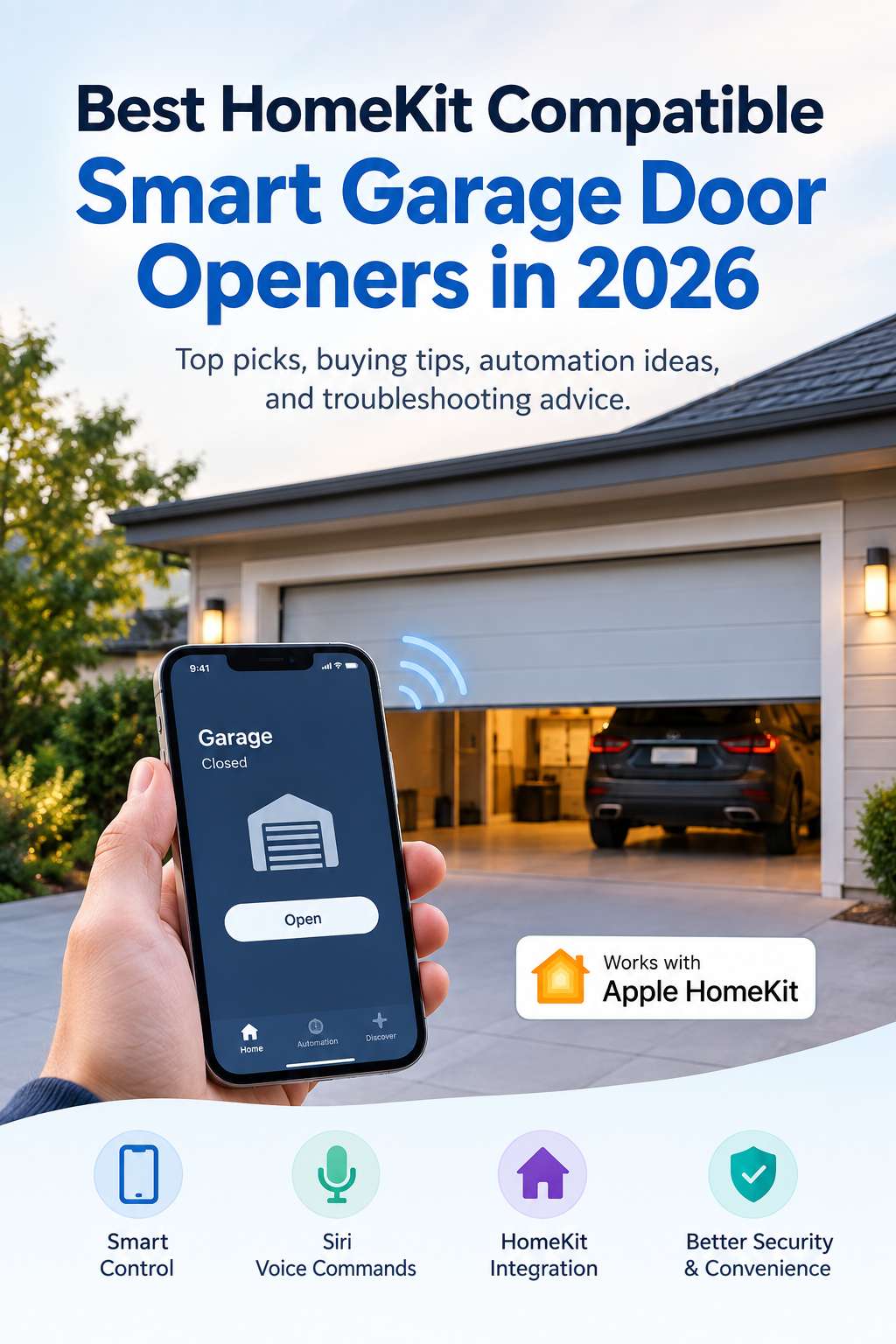
A smart garage door opener can make your daily routine easier in small but useful ways. You can check whether the garage is closed, control it from your iPhone, use Siri, and connect the garage to your wider Apple smart-home setup.
For Apple users, the key feature is Apple HomeKit compatibility. A compatible controller can bring an existing garage door opener into the Apple Home app without necessarily requiring you to replace the entire motor system.
However, choosing the right device takes a little more research than simply looking for a “smart garage opener.” Garage door opener compatibility, Wi-Fi requirements, sensor design, HomeKit support, installation, and the number of doors you need to control can all affect your experience.
This guide looks at the best HomeKit-compatible smart garage door opener options for 2026 and explains what to check before buying.
What Is a HomeKit Compatible Garage Door Opener?
A HomeKit-compatible garage door opener is usually a smart controller that works with your existing garage door system.
Instead of replacing the motor, the controller connects to the opener and uses a door sensor to determine whether the garage is open or closed. After connecting it to your home network and Apple Home, you can control the door through compatible Apple devices.
Depending on the product and your setup, you may be able to check the garage remotely, receive status notifications, use Siri commands, and include the garage in Home automations.
This retrofit approach is one of the biggest advantages of smart garage controllers. If your existing opener works reliably, you may not need to spend money replacing the entire system just to add smart features.
Best HomeKit Smart Garage Door Openers for 2026
Several products stand out for different types of installations. The right choice depends less on having the biggest feature list and more on whether the controller works properly with your existing garage opener.
Meross MSG150HK
Meross is one of the better-known options for homeowners looking for a relatively simple way to add Apple Home support to an existing garage door opener.
Its HomeKit-compatible garage controllers are designed as retrofit devices, so you can generally keep your existing motor and add smart control around it.
The main attraction is straightforward Apple Home integration. Once configured, the garage can appear alongside other compatible accessories in the Home app, giving you a familiar interface for checking and controlling it.
Meross is a particularly sensible option for someone who already uses Apple Home and wants a basic smart garage setup without adding unnecessary complexity.
Compatibility should still be checked before purchasing. Garage door opener designs vary considerably, and some systems may require an additional accessory or a particular wiring arrangement.
Tailwind iQ3
Tailwind iQ3 takes smart garage control a step further by focusing on vehicle detection and arrival-based automation.
Rather than simply giving you another way to press a virtual garage button, the system can use vehicle-related information to help automate garage access.
That can be useful if you regularly drive in and out of the garage and want less manual interaction. It also supports Apple HomeKit, allowing it to become part of an Apple-centered smart-home environment.
One thing to remember is that garage door automation has additional security considerations. Apple may require confirmation or an unlocked device for certain garage-door operations. That’s a useful safeguard because a garage door controls physical access to your home.
ismartgate LITE
ismartgate LITE is aimed at homeowners who need smart control for a single garage door.
It supports Apple HomeKit and provides the basic functionality you’d expect from a connected garage controller. If you have one garage door and don’t need a system designed for multiple doors, a single-door solution can keep the installation simpler.
It’s also worth considering if you want to integrate the garage with other smart-home platforms in the future.
ismartgate PRO
For homes with several garage doors, ismartgate PRO offers a more flexible approach.
The system can support multiple doors and provides broader smart-home integration than a basic single-door controller. This makes it more suitable for larger garages or households where several independent garage doors need to be managed from one system.
Another useful feature is camera integration, which can provide additional visibility around the garage depending on the supported equipment.
The extra capabilities aren’t necessary for everyone. If you have a single garage and only want basic HomeKit control, a simpler controller may be easier and more cost-effective.
How to Choose a HomeKit Compatible Garage Door Opener
The most important part of buying a smart garage controller happens before you place the order.
Your existing garage opener needs to be compatible with the controller, and your Apple Home setup needs to support the features you want.
Check Your Existing Garage Opener First
Find the brand and exact model number of your garage door opener. This information is usually printed on the opener itself or included in its original documentation.
Don’t rely only on the brand name. Two openers from the same manufacturer can use different control systems, and older models may behave differently from newer ones.
A manufacturer’s compatibility checker is the best place to start. If your opener requires an adapter, you should know that before buying the controller.
Look for Genuine HomeKit Support
“Works with iPhone” doesn’t automatically mean “works with Apple HomeKit.”
If Apple Home integration is important, look specifically for the HomeKit designation on the exact model you’re considering.
This distinction matters because some smart garage products work only through their own app or through another smart-home platform.
Consider the Door Sensor
The sensor is a small part of the system, but it plays an important role.
The controller needs to know whether the garage is actually open or closed. A properly installed sensor provides that information so the app can display the correct status.
A smart command isn’t much use if the system cannot reliably tell you what state the door is in.
Think About Wi-Fi Requirements
Most retrofit garage controllers depend on your home network.
Before buying, check whether the device requires 2.4GHz Wi-Fi, 5GHz Wi-Fi, or another specific configuration. Many smart-home accessories still rely heavily on 2.4GHz because of its longer range and better ability to travel through walls.
This is especially important when the garage is far from your router.
If your Wi-Fi signal is weak in the garage, the controller may disconnect even though the rest of your smart-home devices work normally.
Check Remote Access Requirements
Being able to open the garage from your phone while standing in the driveway is useful, but remote access when you’re away from home is even more valuable.
For Apple Home, remote access depends on having the appropriate Apple home hub setup.
Before relying on remote garage control, test the system from outside your home network. This confirms that the controller, Apple Home configuration, and network connection are all working together.
HomeKit Garage Door Automation Ideas
Once the garage controller is connected, you can do more than open and close the door manually.
Get a Garage Door Left Open Alert
One of the most practical automations is a reminder when the garage stays open for too long.
For example, you might configure a notification for a garage that remains open after you’ve left home or later in the evening.
This is often more useful than automatically closing the door because it gives you a chance to verify that there isn’t a person, vehicle, pet, or object in the doorway.
Include the Garage in Your Evening Routine
You can also make the garage part of a nighttime home check.
Instead of creating an aggressive automation that operates the door automatically, use your smart-home system to remind you to check its status.
This is a simple way to gain the benefit of automation while keeping control over a physical entry point.
Use Siri for Convenient Control
Siri can make garage control easier when you’re carrying shopping bags or getting ready to leave.
Voice commands can be useful, but security protections may apply to garage-door operations. That’s intentional: a garage door is different from a smart bulb because operating it can provide physical access to your property.
How to Install a HomeKit Garage Door Controller
Installation varies between manufacturers, but most retrofit systems follow the same basic concept.
Check Compatibility Before Wiring Anything
Start by confirming that your garage opener is supported.
This prevents one of the most common smart garage installation problems: discovering after installation begins that the controller isn’t compatible with the opener’s control system.
Position the Door Sensor Correctly
Install the sensor according to the manufacturer’s instructions and make sure it stays firmly in position.
If the sensor moves, the controller may report the wrong garage status. That’s why simply getting the controller online isn’t enough; the sensor needs to be tested as well.
Connect the Controller Carefully
The controller normally connects to the existing garage opener using the appropriate terminals or connection method.
Don’t guess at the wiring. Garage door systems can vary, and incorrect connections can prevent the opener from working properly.
If you’re not comfortable working with the opener’s wiring, professional installation is a better option.
Add the Device to Apple Home
Once the hardware is installed, follow the manufacturer’s HomeKit setup instructions.
After adding it to Apple Home, test both opening and closing commands. Then physically check the door to make sure the status shown in the app matches reality.
This simple test can catch sensor or configuration problems before you start relying on automations.
Common HomeKit Garage Door Problems and Fixes
Smart garage controllers are generally straightforward, but network and sensor problems can occasionally appear.
Garage Door Shows the Wrong Status
If the app says the door is closed when it’s open, start with the physical sensor.
Check its position and make sure it hasn’t shifted. A sensor that is slightly out of place may no longer accurately detect the door’s position.
Testing the door several times after repositioning the sensor helps confirm whether the problem has been corrected.
HomeKit Shows “No Response”
First determine whether the manufacturer’s app can communicate with the controller.
If the manufacturer’s app works but Apple Home reports “No Response,” the issue may be related to HomeKit configuration rather than the garage hardware itself.
Restarting the controller and checking your home network can help restore communication. If that doesn’t work, removing and re-adding the HomeKit accessory may resolve a corrupted or incomplete HomeKit configuration.
The Controller Keeps Disconnecting
Frequent disconnections usually point toward a network or power problem.
Check the Wi-Fi signal in the garage first. Garages often have weaker coverage because they’re separated from the main living area by exterior walls.
If the signal is weak, improving Wi-Fi coverage can help because the controller needs a stable connection to communicate reliably with your smart-home system.
Also check the controller’s power connection. A loose or unreliable power source can look like a Wi-Fi problem because the device repeatedly goes offline.
Apple Home Can’t Find the Device
Make sure the controller is powered on and your iPhone is connected to the correct home network.
If setup still fails, use the manufacturer’s setup app if available. Some controllers can be configured through their own app before being added to Apple Home.
This can help determine whether the problem is with the hardware/network connection or specifically with HomeKit pairing.
Remote Access Doesn’t Work
If the garage works while you’re at home but not when you’re away, check your Apple Home hub configuration and internet connection.
Testing remote access before you actually need it is important. Otherwise, you may discover the problem only after leaving home.
HomeKit vs. Matter for Smart Garage Doors
Matter is becoming increasingly relevant in the smart-home market, but it doesn’t replace every reason to consider HomeKit.
HomeKit is Apple’s smart-home framework, while Matter is an industry standard designed to improve interoperability between different smart-home ecosystems.
For someone who primarily uses Apple devices, native HomeKit support can provide a familiar experience inside the Home app.
Matter can be attractive if you expect to use multiple smart-home platforms over time. However, Matter support should not be the only factor you consider.
For a garage controller, compatibility with your existing opener should come first. There’s little benefit in buying an advanced smart-home device if it cannot reliably operate your garage door.
Should You Replace Your Existing Garage Door Opener?
Not necessarily.
If your current opener works smoothly and the motor, rails, safety sensors, and mechanical components are in good condition, a smart retrofit controller can be a practical way to add connected features.
Replacing the entire opener makes more sense when the existing unit is old, unreliable, mechanically problematic, or incompatible with modern smart controllers.
A smart controller shouldn’t be used to compensate for a garage door that already has mechanical problems. If the door struggles to move, makes unusual noises, stops unexpectedly, or has damaged components, address those issues first.
Which HomeKit Garage Door Opener Is Right for You?
Different households have different priorities.
Meross is a practical choice for users who mainly want straightforward Apple Home integration with a compatible existing opener.
Tailwind iQ3 is worth looking at if vehicle detection and arrival-oriented automation are high on your list.
ismartgate LITE is suited to a single-door setup, while ismartgate PRO is more appropriate when multiple garage doors or broader integration capabilities are important.
There isn’t a single controller that makes sense for every garage. The best match depends on your opener model, Wi-Fi coverage, number of doors, desired automations, and budget.
Final Thoughts
A HomeKit-compatible smart garage door opener can turn an ordinary garage into a useful part of your Apple smart home without necessarily requiring a complete opener replacement.
Before buying, focus on the fundamentals: existing opener compatibility, genuine HomeKit support, reliable door sensing, Wi-Fi coverage, remote access, and installation requirements.
For a simple Apple-focused setup, Meross is worth investigating. Tailwind iQ3 adds vehicle-oriented automation, while ismartgate provides options for both single- and multi-door installations.
Take a few minutes to identify your exact garage opener model and verify compatibility before ordering. If you already have the right hardware but are experiencing HomeKit problems, check the sensor, Wi-Fi connection, power supply, and Home configuration in that order.
A little preparation can make the difference between a smart garage that quietly works every day and one that becomes another source of troubleshooting headaches.
You might also like,
How to Lubricate Your Garage Door Effortlessly – Complete DIY Maintenance Guide