
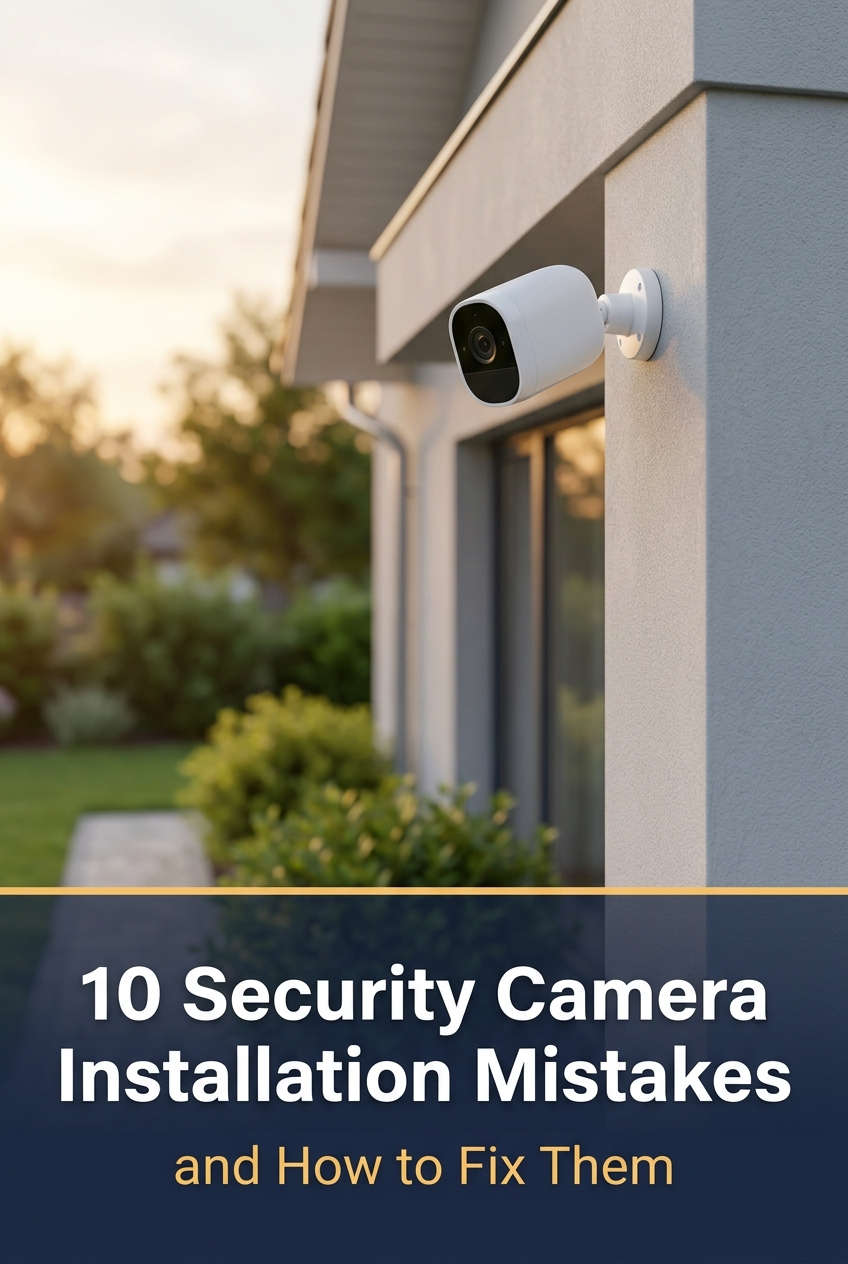
Installing a security camera sounds simple: pick a spot, screw in the bracket, plug it in. Yet many people end up with grainy footage, missing coverage, or a camera that drops offline during the first storm. The hardware is rarely the problem. Most security camera installation mistakes come from rushed planning and small details that nobody mentioned at the checkout counter.
This guide walks through the most common errors in home and small-business camera setups, why each one causes trouble, and how to fix it before (or after) the drill comes out.
Plan Your Camera Layout Before You Mount Anything
The most expensive mistake happens before installation even begins: buying cameras and deciding where to put them later. Without a plan, you tend to cluster cameras around the front door, where it feels natural, and leave the side gate or back patio completely unwatched.
Take a slow walk around your property and think like someone trying to get in unnoticed. Doors, ground-floor windows, garages, and basement entrances are the obvious targets, but also look at the routes leading to them, such as side yards, alleys, and fence lines. A rough sketch on paper is enough. Mark each entry point and note what you want the camera to accomplish there.
That last part matters more than people expect. A camera meant to identify a face at your front door needs a close, level view. One watching a driveway for license plates needs a tighter lens and a very different angle. When every camera has a defined job, choosing the hardware and the mounting spot becomes much easier.
Common Camera Placement Mistakes
Even with a good plan, placement is where most setups go wrong. Three problems show up again and again: bad height, bad lighting, and gaps in coverage.
Mounting Height and Angle
It’s tempting to tuck cameras up under the roofline, out of reach and out of sight. The trouble is that a camera mounted at 12 feet or more mostly records the tops of heads and hat brims. That’s not much use when you need to identify someone.
A height of roughly 8 to 10 feet (about 2.5 to 3 meters) is the usual sweet spot. It’s high enough that a person can’t casually grab or twist the camera, yet low enough to catch faces at a natural angle. Tilt the lens slightly downward, then test the view by walking through the frame yourself. Because a bracket is easy to loosen but a drilled hole is permanent, hold the camera in place temporarily and check the image on your phone before committing.
Lighting, Glare, and Night Footage
Image sensors struggle with extremes. Aim a camera toward a rising or setting sun and the picture washes out, or the subject turns into a dark silhouette against a bright background. At night, the opposite problem appears: not enough light produces noisy, smeared video that’s almost impossible to use.
Where possible, point cameras north or south, or shade the lens with a small hood to cut glare. If your scene mixes bright and dark areas, such as a porch light next to a shadowy yard, look for a camera with WDR or HDR. These features balance exposure across the frame so details survive on both ends. For dark zones, a motion-activated floodlight often does more than any night-vision feature, because it gives the camera real light to work with and doubles as a deterrent. Whatever you choose, review footage from both midday and midnight before calling the job done.
Blind Spots and Weak Points
Every camera has a blind spot, and the most overlooked one is directly beneath it. Someone hugging the wall can slip right under a camera’s field of view. The same goes for side entrances and back doors that aren’t visible from the street.
The fix is overlap. Position neighboring cameras so their views meet slightly at the edges, and cover the doors people really use, not just the one that looks best on the brochure. If a critical area sits right below a camera, add a second unit angled to cover it. Thieves often scout before they act, so a gap in coverage is effectively an invitation.
Choosing the Right Camera for Each Location
Not every camera suits every spot. An indoor model screwed to an exterior wall may work for a few weeks and then fail the first time humidity spikes or temperatures drop. Meanwhile, a wide-angle camera aimed across a long driveway will show you a tiny, unreadable car, while a narrow lens at the front door will miss everyone standing off to the side.
Start with weather resistance. Outdoor cameras should carry an IP65 rating or higher, which means they’re sealed against dust and heavy rain, and the listed operating temperature should cover your local extremes. Then match the lens to the distance. Wide lenses suit broad views like yards and parking areas, while varifocal or narrower lenses are better for capturing detail at range. In public-facing or easily reached spots, a vandal-resistant dome housing is worth the small extra cost, since it’s much harder to knock loose or spray-paint.
Wiring, Power, and Weatherproofing
Cabling is the unglamorous part of installation, and it’s where many systems quietly start to fail months later. These problems rarely show up on day one, which is why they catch people off guard.
Protect Your Cables From the Elements
Loose cables hanging down a wall are easy to cut, and sun and rain will slowly break down the insulation. Water is the bigger enemy. If moisture gets into a connector, it causes corrosion that leads to flickering video, signal loss, and eventually a dead camera.
Run cables through conduit or inside the wall wherever possible, and use weatherproof junction boxes for outdoor connections. Leave a small downward loop in the cable just before it enters the camera or a wall hole. This “drip loop” works because water follows gravity along the cable and drips off the bottom of the loop instead of traveling into the connection. Finish by sealing any entry holes with outdoor-rated silicone so water and insects can’t get in.
Plan Power Before You Need It
A camera without reliable power is just decoration. Extension cords draped through windows and battery cameras that die unnoticed are two of the most common power headaches.
Decide how each camera will be powered before you buy it. Power over Ethernet (PoE) is a strong choice for permanent installs, since a single cable carries both electricity and data. For your recorder and router, a small uninterruptible power supply (UPS) keeps everything running through brief outages, which is exactly when you may need footage most. If you use battery or solar cameras, turn on low-battery alerts and check them occasionally, because solar panels in shade or winter months may not keep up.
Fixing Wi-Fi and Network Problems
Wireless cameras are popular because they skip the cable runs, but they depend heavily on signal quality. Weak Wi-Fi shows up as choppy video, delayed notifications, or cameras that disconnect at random. Often the failures happen at the worst possible time, since motion events create bursts of data that a marginal connection can’t handle.
Before mounting, test the signal at the exact spot where the camera will go. Your phone’s Wi-Fi indicator is a quick check, though a free speed-test app gives a more honest picture. If the signal is weak, moving the router or adding a mesh node usually helps more than a basic range extender, because mesh systems create a stronger link rather than just repeating a weak one. For doors, gates, and other locations you can’t afford to lose, running an Ethernet cable and using PoE removes the guesswork entirely, since a wired connection isn’t affected by walls, interference, or neighbors’ networks.
Respecting Privacy Laws and Your Neighbors
Cameras that point at a neighbor’s window, a shared hallway, or a stretch of public sidewalk can cause legal trouble and sour relationships. Audio is an even bigger concern, since recording conversations is restricted far more tightly than video in many places.
Keep your camera views focused on your own property. Most modern cameras include privacy masking, which blacks out selected zones in the frame so you never record them in the first place. Check your local rules on video and audio recording, and consider posting a visible sign. Being upfront about your cameras is good etiquette and also works as a deterrent. A quick, friendly conversation with the neighbors next door can prevent a lot of awkwardness later.
Cybersecurity, Storage, and Ongoing Maintenance
A camera that records your property can also become a doorway into your network if you leave it unprotected. Cameras running on factory-default passwords or outdated firmware are among the easiest targets for attackers. Change the default login the moment you set up each device, choose a strong, unique password, turn on two-factor authentication if it’s offered, and install firmware updates when they appear. Updates often patch security holes, so skipping them leaves known weaknesses open.
Storage deserves the same attention. Many people discover too late that their recorder overwrote the footage they needed weeks ago. Higher resolution, higher frame rates, and longer retention periods all demand more space, so estimate your needs up front and back up important clips to the cloud or an off-site drive. It’s also worth setting a reminder every few months to wipe the lenses, clear away cobwebs and insects near the night-vision sensors (which can trigger false alerts and glare), and scrub through recent footage to confirm everything still works.
Troubleshooting Problems After Installation
Even a careful installation needs some fine-tuning. Here are a few issues that crop up often, and why the fixes work.
Blurry or Hazy Video
If footage looks foggy, start with the simplest explanation: a dirty lens or a protective film that was never peeled off. Cleaning the lens with a microfiber cloth restores the clear light path the sensor depends on. If the haze appears only at night, the culprit is usually infrared light bouncing off a nearby surface, such as an eave or wall. Moving the camera a few inches forward, or away from the reflective surface, stops the glare from flooding the lens.
Constant False Motion Alerts
Swaying branches, passing cars, and changing shadows can trigger an endless stream of notifications. Instead of lowering sensitivity across the board, which risks missing real events, use activity zones to exclude the areas that cause trouble. This works because the camera only analyzes motion inside the areas you’ve defined, so a tree can wave all day without bothering you.
Cameras That Keep Going Offline
Random disconnections usually point to power or signal trouble. Check the power adapter first, since an underpowered or damaged supply can cause intermittent resets. If power is solid, look at Wi-Fi strength at the camera. A reading that fluctuates throughout the day often means interference from other devices or a congested channel, and switching the router to a less crowded channel or moving the camera closer to a node can stabilize the link.
When to Upgrade or Replace Your Equipment
Not every problem is worth fixing, and not every camera needs replacing. Knowing the difference saves money.
If your cameras are over five or six years old, produce grainy video in daylight, or no longer receive firmware updates, replacement is worth considering. Without updates, security flaws stay unpatched, and older sensors simply can’t compete with newer ones in low light. Similarly, if you’re relying on Wi-Fi cameras in spots where the connection keeps failing, switching those particular locations to PoE models can solve the problem permanently.
On the other hand, if your cameras deliver clear footage and stay connected, there’s usually no need to upgrade just for higher resolution. Many homes are well served by 2K or 1080p cameras, and 4K mainly pays off if you need to read license plates or zoom into fine detail at a distance. Larger properties and businesses with many cameras may benefit from a dedicated recorder, while a small home with two or three cameras can often manage with cloud storage or an SD card. Match the upgrade to the actual problem you’re facing rather than to a spec sheet.
A Quick Pre-Installation Checklist
Before you start drilling, run through these points once:
- Entry points and blind spots are mapped out.
- Each camera’s job (faces, plates, or general overview) is defined.
- Lenses and weather ratings suit each location.
- Cable routes and power sources are planned.
- Wi-Fi strength is tested, or PoE is in place for critical spots.
- Footage has been checked in daylight and at night.
- Local privacy rules are reviewed, and passwords and storage are set up.
Final Thoughts
Most security camera problems trace back to a handful of avoidable decisions: skipping the planning stage, mounting at the wrong height, ignoring light and weather, underestimating the network, and neglecting upkeep. The good news is that nearly all of them can be fixed, often with nothing more than a new bracket position, a sealed connector, or a changed setting.
If your current setup has any of these issues, pick one to tackle this weekend. Adjusting an angle, adding a drip loop, or updating your passwords takes very little time and can noticeably improve how well your system protects your property. And if your layout is large or complicated, bringing in a professional installer can be a worthwhile investment. With a bit of planning and regular maintenance, your cameras will do what they were bought to do: give you clear footage and the confidence that someone is watching out for your home or business.
You might also like,