
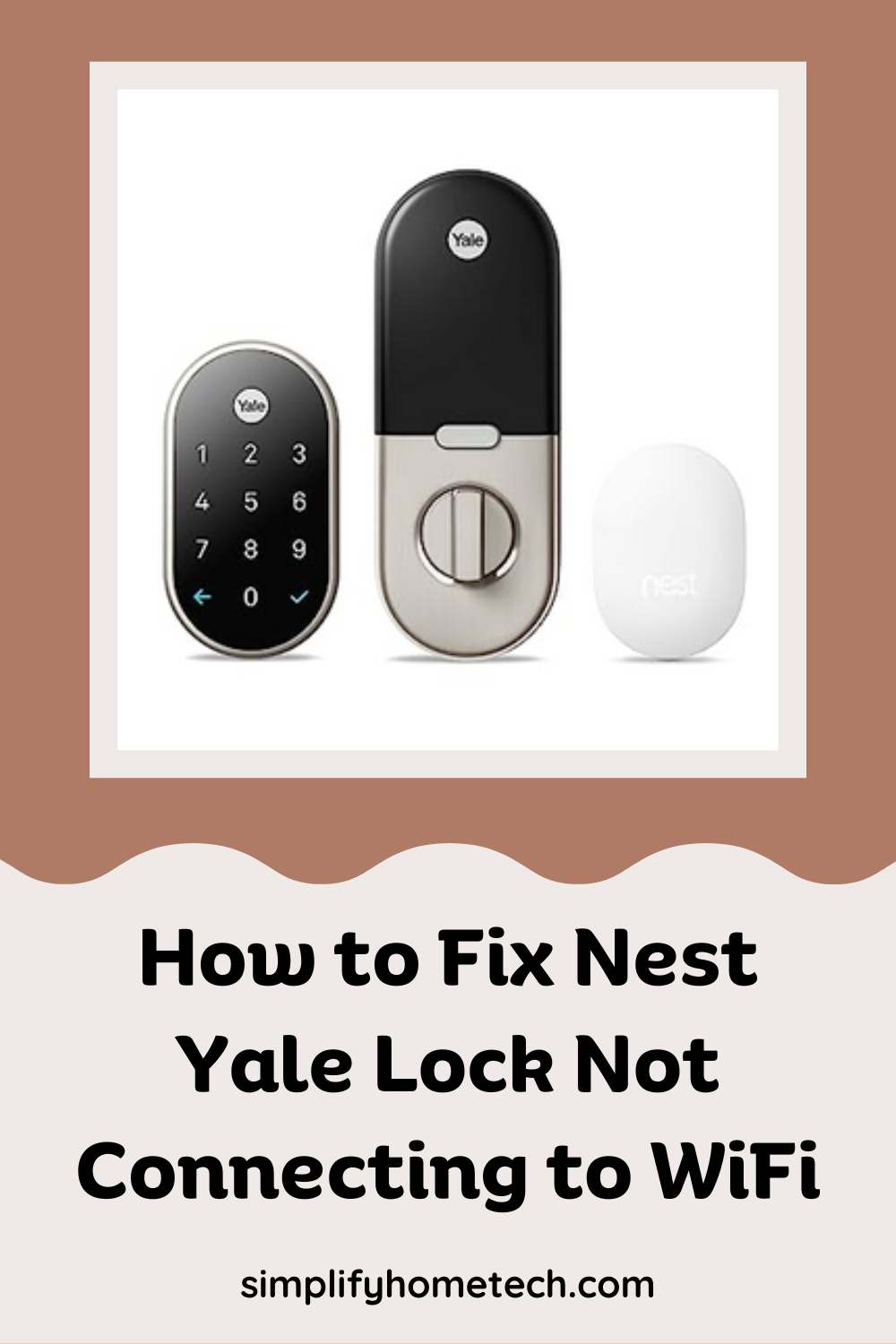
Smart home technology has taken center stage in modern living, offering convenience, security, and peace of mind. Among these smart innovations, the Nest Yale Lock stands out as a keyless, tamper-proof device that integrates seamlessly with your Google Home ecosystem. But even the most advanced gadgets can run into hiccups. One of the most common—and frustrating—issues users face is the Nest Yale Lock not connecting to WiFi.
Smart Lock
How to Integrate Level Lock with Apple HomeKit and Other Smart Home Devices
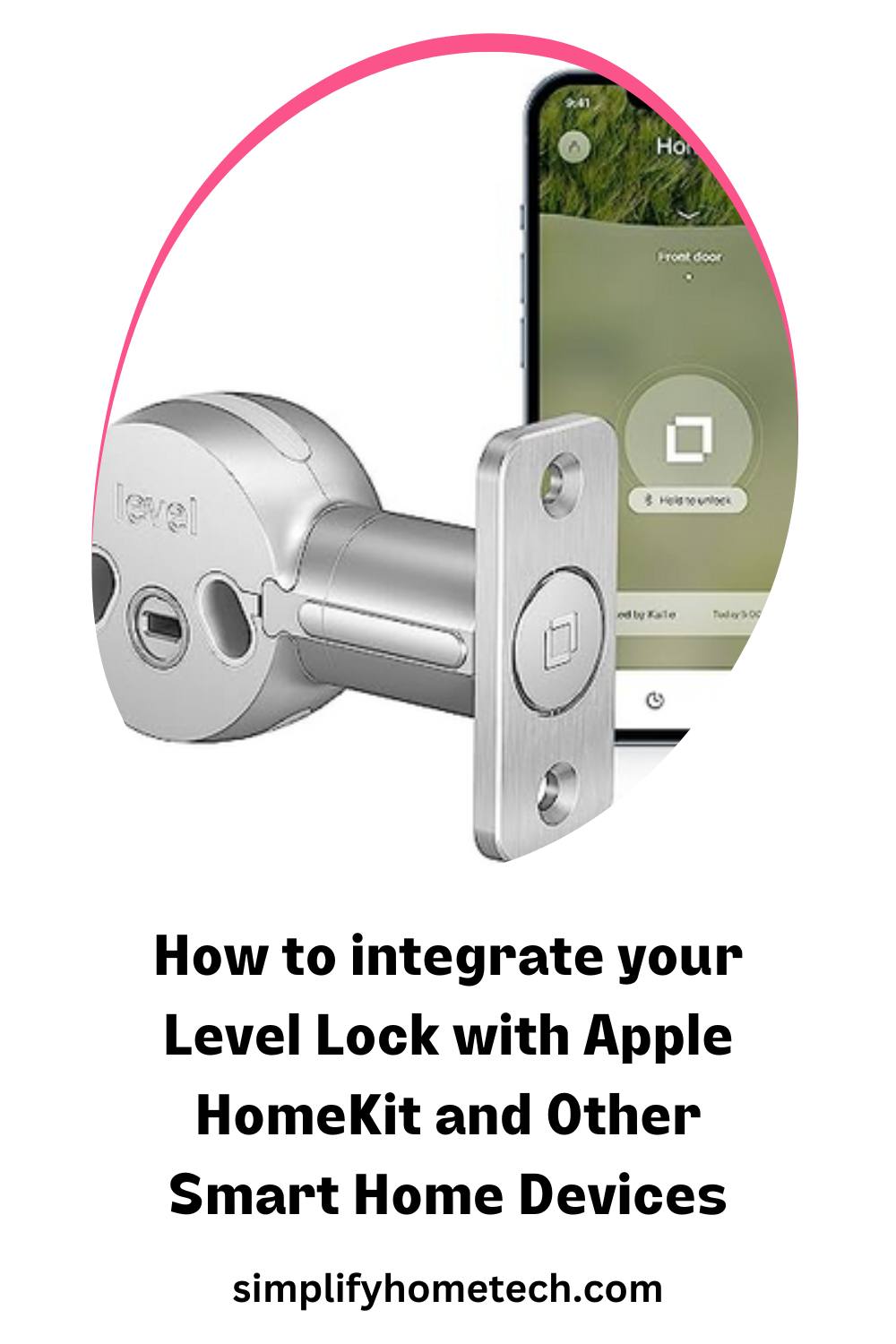
Level Lock is a smart lock that lets you control your door with your iPhone, Apple Watch, or voice. It is designed to be invisible, fitting inside your existing deadbolt and keeping your exterior hardware unchanged. Level Lock works with Apple HomeKit, which means you can use the Home app or Siri to lock and unlock your door, create automation, and share access with others. You can also use the Level app to manage your lock settings, view activity history, and use key cards or regular keys as backup options.
How to Use Voice Assistants with Your August Smart Lock
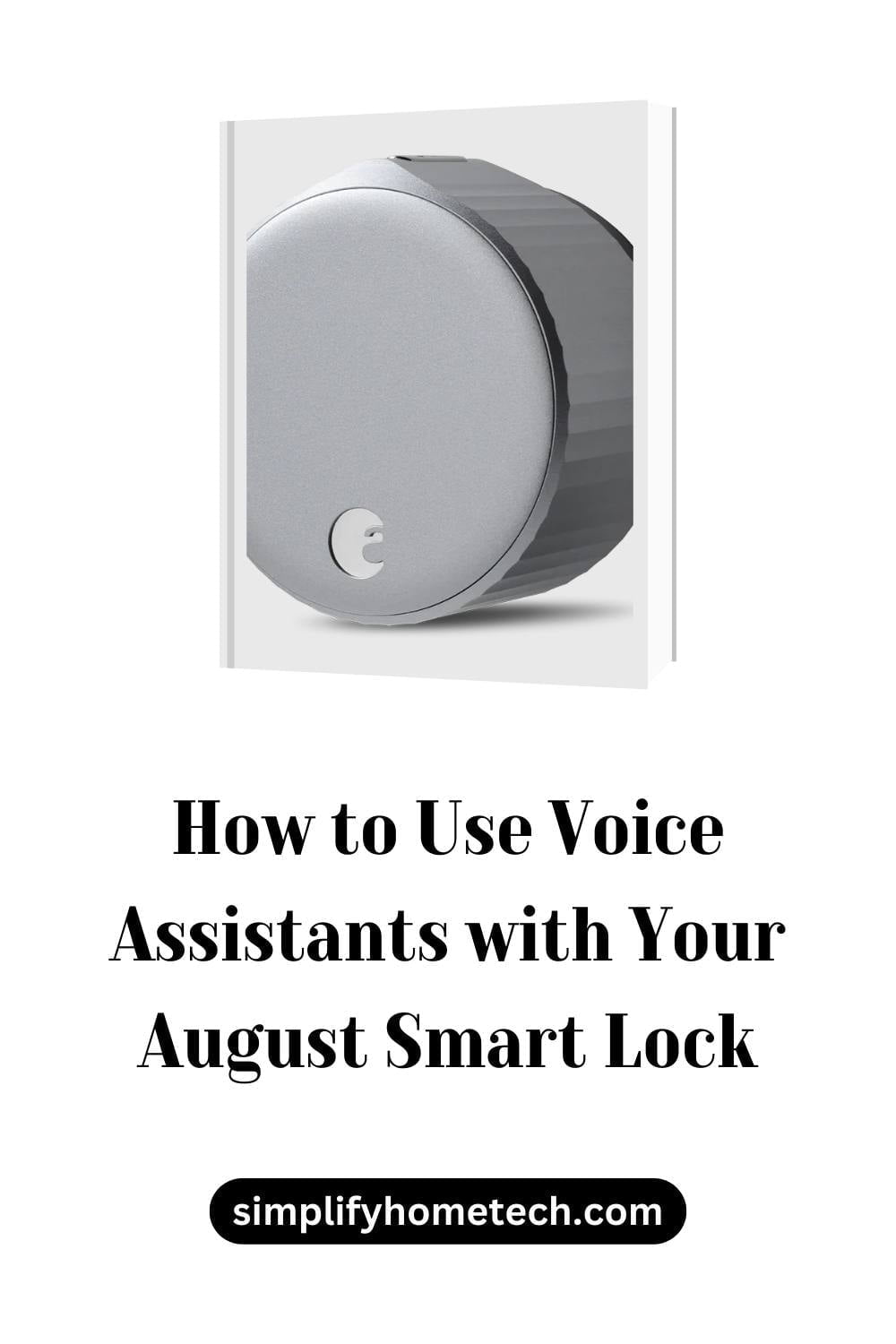
If you have a smart lock on your door, you might be wondering how to make the most of it. One way to do that is to use voice assistants, such as Alexa, Google Assistant, and Siri, to control your smart lock with your voice. This can make your life easier and more secure, as you can lock and unlock your door without touching your phone or the lock, check the status of your door, grant or revoke access to guests, and integrate your smart lock with other smart devices in your home.
How to Install a Google Nest x Yale Smart Lock (Step-by-Step Guide)
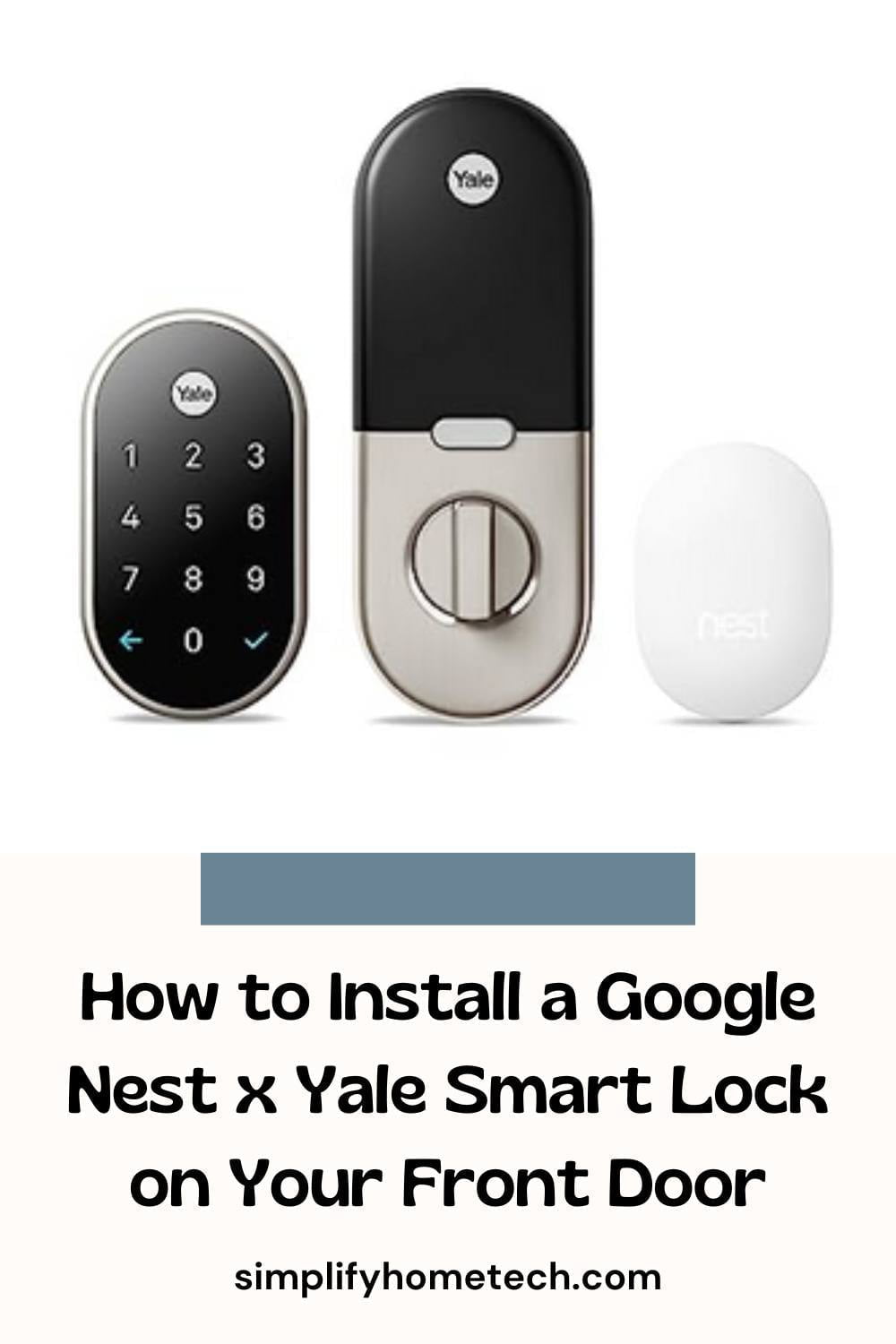
Replacing a deadbolt can sound like a job for a locksmith, but the Google Nest x Yale Lock was built with DIYers in mind. If you’re comfortable with a screwdriver, you can swap your old deadbolt for a keypad lock you control from your phone in about 30 to 45 minutes. This guide covers what to check before you buy, how the installation goes, and what to do when something doesn’t behave.
How to Choose a Secure and Convenient Keyless Entry Wi-Fi Lock System
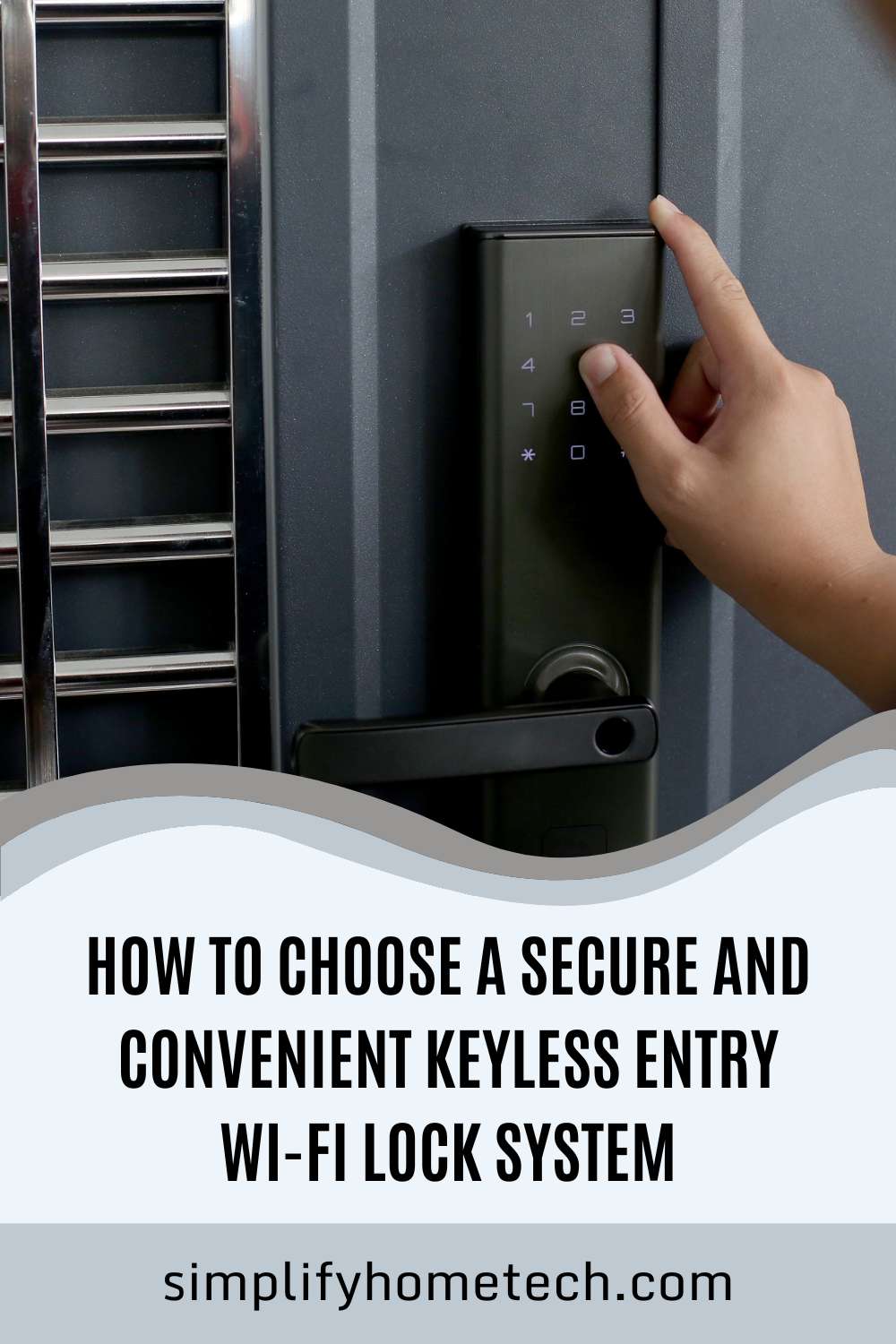
Keyless entry Wi-Fi lock systems are smart locks that allow you to lock or unlock your door without using a physical key. You can use your smartphone, voice assistant, keypad, fingerprint scanner, or other methods of accessing your home. You can also control your lock remotely via Wi-Fi and integrate it with other smart home devices and services.