
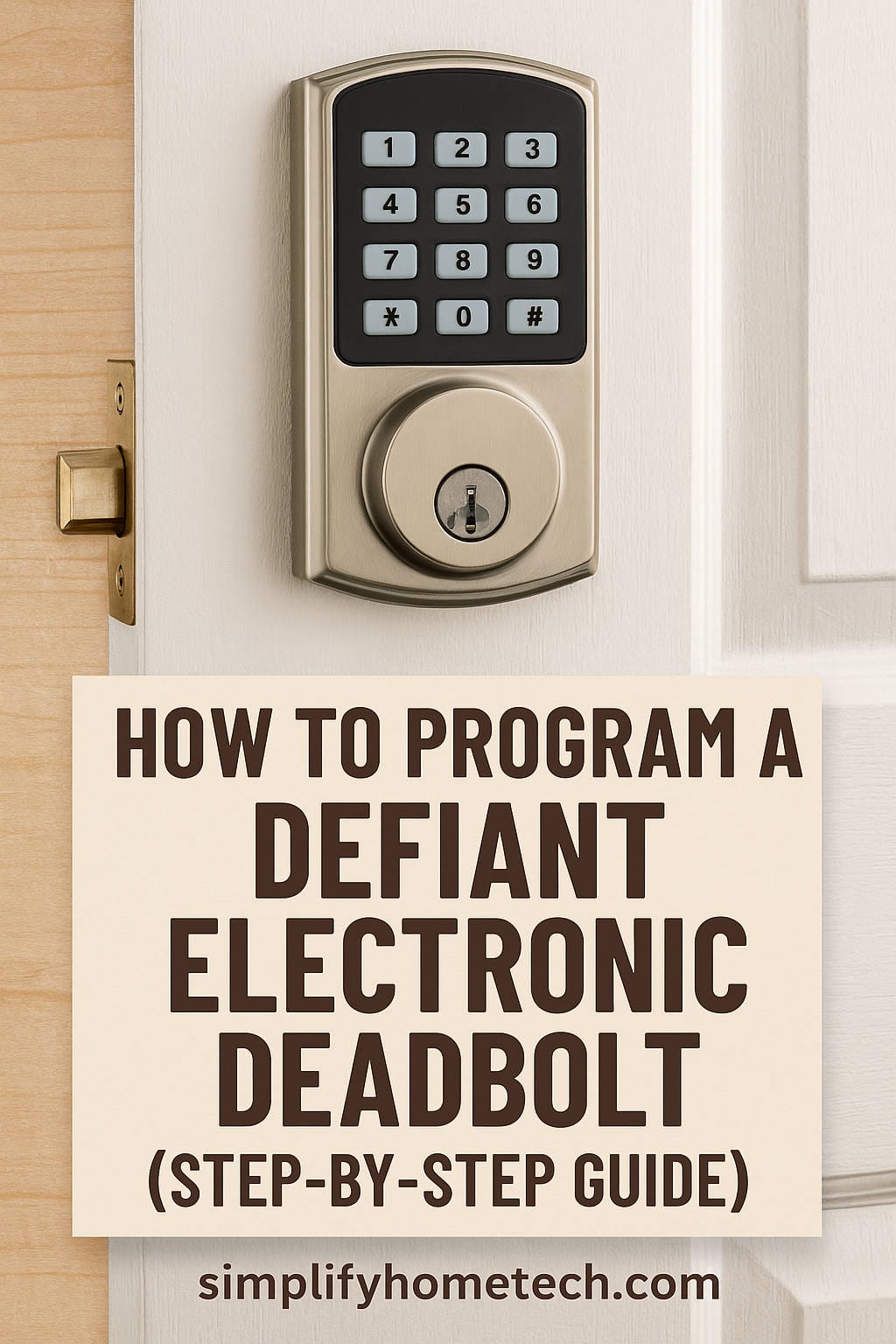
Your new Defiant keypad deadbolt is on the door, the bolt slides smoothly, and then you hit the part nobody warns you about: programming it. The default code is public knowledge, the buttons don’t seem to do anything, and the manual is already in the recycling.
Don’t worry, it’s easier than it looks. This guide covers how to program a Defiant electronic deadbolt, including changing the master code, adding and deleting user codes, resetting the lock, and fixing the problems people run into most.
A quick note before we start: Defiant sells several versions of its electronic deadbolt, including standard keypad, touchpad, spin-to-lock and fingerprint models. The overall process is the same, but the exact button presses and beep patterns can differ. Check your model number (on the box, the manual, or the lock itself) and use the steps below as a roadmap alongside your manual.
What You Need Before Programming
A few minutes of prep saves a lot of frustration:
- Fresh batteries. Weak batteries cause more failed programming attempts than anything else. Use new alkaline AAs rather than leftovers from the junk drawer.
- The lock fully installed. Both the exterior keypad and the interior assembly should be mounted and connected.
- The door open. Keep it open and unlocked while you work so a mistake can’t lock you out.
- Your model’s manual. If it’s gone, search your model number on The Home Depot’s product page, where the PDF is usually listed.
- Your codes picked out. Decide on them ahead of time. Skip birthdays, street numbers and patterns like 1234.
Master Code vs. User Codes: What’s the Difference?
Most Defiant locks use two types of codes, and mixing them up is a common source of confusion.
The programming code (often called the master code) opens the lock’s settings. It lets you add, change and delete other codes, but it doesn’t unlock the door.
User codes are the ones you and your family type to get inside. Most models store several of them, so each person can have their own.
How to Change the Default Programming Code
This is the single most important step, because the factory default is printed in the manual and anyone can look it up. Do it first.
- Open the door and enter programming mode using the default programming code (or the program button, depending on your model).
- Wait for the confirmation signal, usually a beep or a light.
- Choose the “change programming code” function using the key sequence in your manual.
- Type your new code. Most models want 4 to 8 digits.
- Enter it a second time to confirm.
- Listen or look for the success signal.
Write the new code down and keep it somewhere safe indoors. Don’t tape it near the door, and don’t store it on your phone under “lock code.”
How to Add a User Code
Once your programming code is set, adding user codes is quick:
- Enter programming mode.
- Select the “add user code” function.
- Type the new code and confirm it if the lock asks.
- Wait for the success tone.
Then test it. Try the code with the door open first, and once it works, close the door and test it with the bolt extended. Giving each person their own code is worth the extra minute, because you can remove one person’s access later without disturbing anyone else.
How to Delete a User Code
Many Defiant locks ship with a default user code, and you should remove it. You’ll also want to delete codes when a roommate moves out, a contractor finishes a job, or you simply want a clean slate.
- Enter programming mode.
- Choose the “delete user code” function.
- Enter the code you want to remove, or follow the prompt for deleting by position.
- Confirm the success signal.
- Test that the old code no longer works.
Some models can also wipe every user code at once, which is handy if you’ve just bought a home and don’t know who has the old codes.
Optional Settings Worth Knowing About
Depending on your model, you may be able to adjust a few extras:
- Auto-lock. The bolt extends itself after a set delay. It’s convenient and adds security, but tell everyone in the house so no one gets locked out.
- Sound on or off. Useful if the beeps wake someone up.
- Temporary or one-time codes. Great for guests, dog walkers and delivery of a package while you’re out, on models that support them.
Your manual will tell you which of these your lock has.
How to Reset a Defiant Electronic Deadbolt
A factory reset helps if you forgot the programming code, bought a house with an unknown code, or your lock is acting strangely. The general process looks like this:
- Remove the batteries.
- Press and hold the reset or program button (the exact method varies by model).
- While holding it, put the batteries back in.
- Keep holding until you hear a tone or see the lights flash, then release.
- Reprogram everything, starting with a new programming code.
Because reset methods differ from model to model, confirm yours in the manual before you begin. A reset erases all your codes, so you’ll need to set them up again.
Troubleshooting Common Problems
The keypad is dead or unresponsive. Replace the batteries first, then check that the battery connector is seated properly.
The lock rejects your code. You may have entered it slightly wrong, or the lock may have timed out of programming mode. Start over and enter the digits at a steady pace.
You hear error beeps while programming. Double-check the key sequence and make sure your new code meets the length requirement for your model.
The bolt jams or doesn’t fully extend. This is usually an alignment issue, not a programming one. Check that the door sits square in its frame and that the bolt lines up with the strike plate. With the door open, run the bolt a few times to see whether it moves freely.
The lock behaves oddly or inconsistently. Weak batteries can cause strange behavior long before the lock stops working entirely. Swap them out, and if the problem continues, try a factory reset.
Tips to Keep Your Lock Secure
- Change the default codes right away.
- Avoid obvious combinations like your birth year or 1111.
- Change codes occasionally, and any time someone no longer needs access.
- Keep a physical backup key in a safe place, since batteries do eventually die.
- Replace the batteries once a year, or as soon as the low-battery warning shows up.
Other Electronic Deadbolts Worth Considering
If your Defiant lock is giving you trouble, or you’re shopping for your first keypad deadbolt, these are well-known alternatives that offer similar features:
- Kwikset SmartCode series. A popular, widely sold line of keypad deadbolts, and a solid pick if you want something that’s easy to find in stores.
- Schlage keypad deadbolts. Known for sturdy construction, and a good option if durability is your priority.
- Yale Assure Lock series. A stylish choice, with models that support smart home connections if you want to control the lock from your phone.
- Brinks electronic deadbolts. A budget-friendly option that competes closely with Defiant on price and features.
Prices and features change, so compare current options and read recent reviews before you buy.
Frequently Asked Questions
What is the default code for a Defiant electronic deadbolt?
It depends on the model. The default code is printed in the instruction manual that came with your lock, and the manual is also available online by model number. Whatever it is, change it right after installation.
How do I change the code on my Defiant keypad deadbolt?
Enter programming mode, select the change-code function for your model, enter the new code, and confirm it. The exact keys vary, so use your manual for the precise sequence.
How many user codes can a Defiant lock store?
Most models store multiple user codes, though the exact number varies. Check the specifications for your model.
I forgot my programming code. What now?
Perform a factory reset, which returns the lock to its default settings. You’ll then need to reprogram all your codes.
Why won’t my Defiant lock accept a new code?
The most common causes are low batteries, a typo in the key sequence, or a code that doesn’t meet the required length. Replace the batteries and try again slowly.
Do Defiant electronic deadbolts work without Wi-Fi?
Standard keypad models do. They’re self-contained and don’t need an internet connection or an app.
How long do the batteries last?
It varies with usage and battery quality, but plan on replacing them about once a year, and sooner if the low-battery alert appears.
Can I use a key if the batteries die?
Many models include a keyed override, but not all of them do. Check your lock, and keep a spare key somewhere safe.
Final Thoughts
Programming a Defiant electronic deadbolt comes down to a simple routine: put in fresh batteries, change the default programming code, add user codes for the people who need them, and delete the ones you don’t. Keep your manual handy for the exact button presses on your model, and you’ll be done in a few minutes.
If you hit a snag, check the batteries first. They solve more problems than you’d expect.