

In the realm of smart home security, Blink cameras have established themselves as a reliable guardian, offering peace of mind to homeowners worldwide. These nifty devices, with their advanced motion detection capabilities, stand as vigilant sentinels, ready to alert us to any activity within their field of view. However, even the most reliable technology can encounter issues, and a common hiccup faced by many users is the malfunctioning of the motion detection feature.
Security Camera
Ring Stick Up Cam Solar Panel Not Charging? Fix It Fast with These Proven Tips

If you’ve installed a Ring Stick Up Cam with a solar panel and noticed it’s not charging, you’re not alone. Many users face the frustrating reality that their solar panel setup just doesn’t seem to be doing its job. Whether it’s failing to keep the battery topped up or not charging at all, this problem can quickly undermine your home security setup.
Ring Stick Up Cam Not Charging: How to Troubleshoot and Fix It
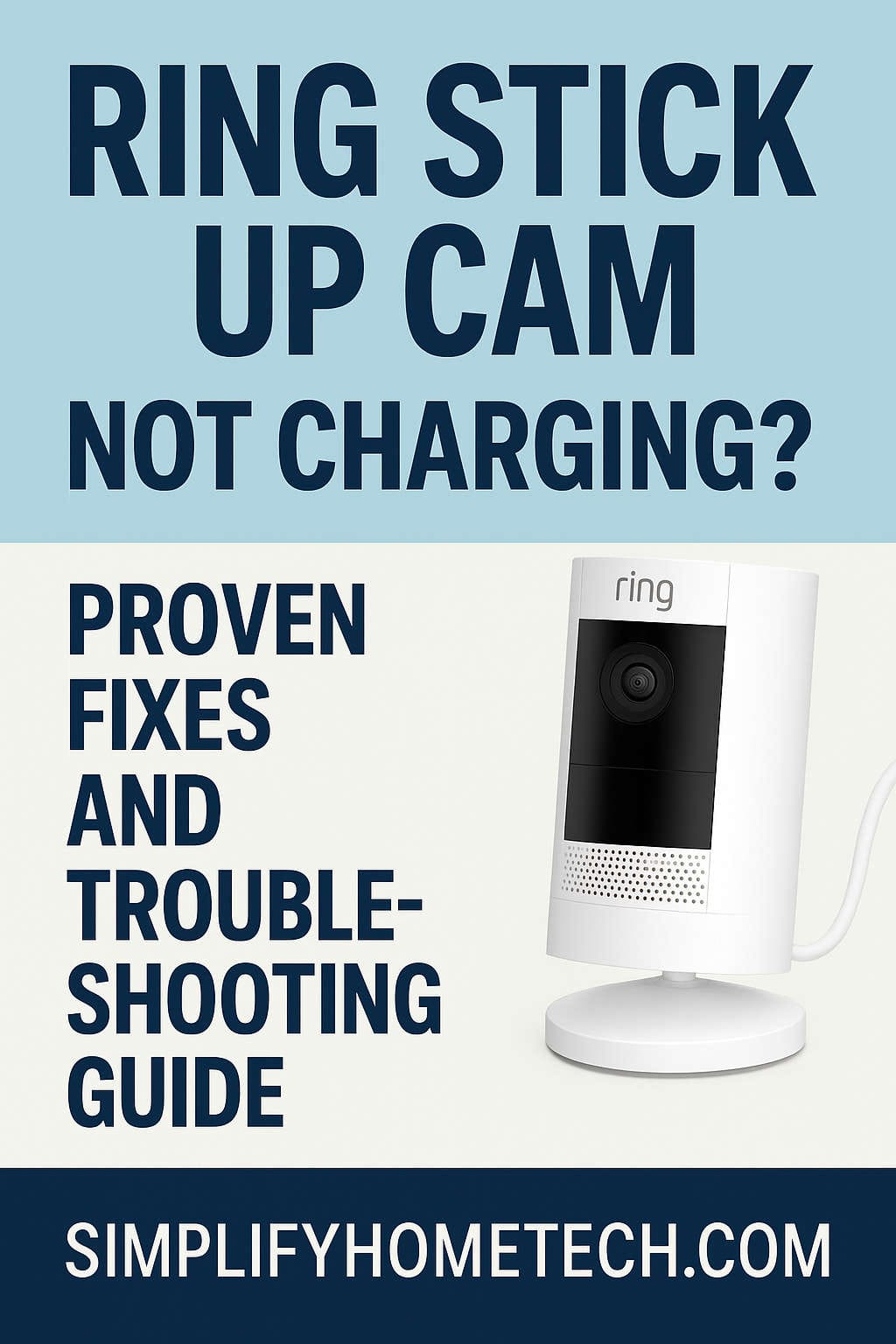
The Ring Stick Up Cam is a trusted favorite among homeowners for keeping an eye on things around the house. Whether you’re using it inside your living room, outside on the porch, or mounted in your backyard, it’s meant to be a dependable security companion. But what do you do when the camera suddenly stops charging and you find yourself staring at a low battery warning? Panic isn’t necessary—there are multiple ways to fix it.
How to Set Up Motion Detection & Smart Alerts on EufyCam 3 (S330) [Complete Guide]
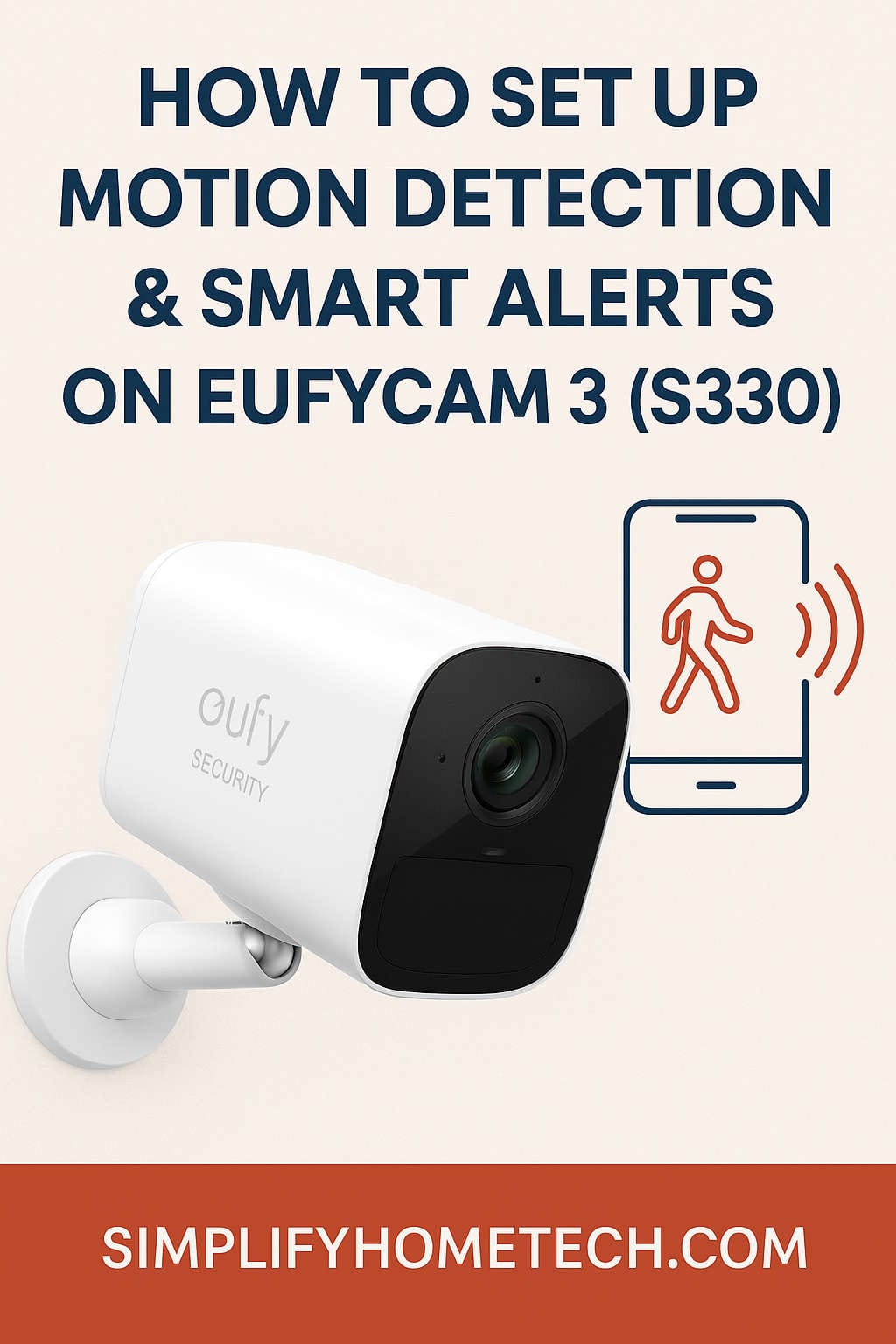
Home security has evolved from simple locks and alarm systems to smart, AI-powered solutions that offer real-time protection and peace of mind. Among the top contenders in the smart security space is the EufyCam 3 (S330), a powerhouse 4K camera system that combines cutting-edge features with user-friendly setup and zero subscription fees. If you’ve just purchased a EufyCam 3 system or you’re considering getting one, you’re likely wondering how to make the most of its motion detection and smart alert features.
How to Connect Arlo Go 2 LTE/Wi-Fi Security Camera to Smartphone?
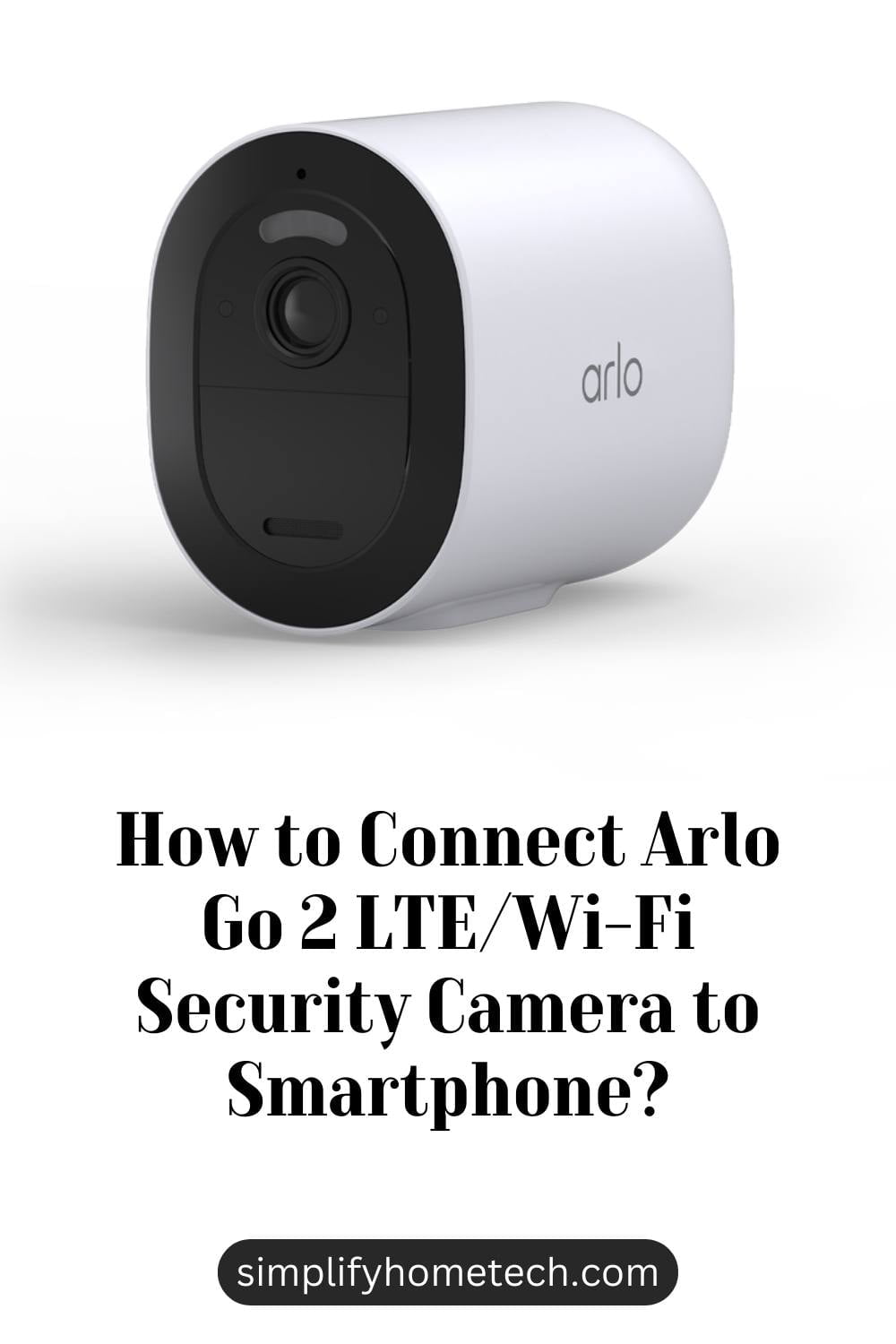
If you are looking for a versatile and reliable security camera that can work anywhere, even without power or internet access, you might want to consider the Arlo Go 2 LTE/Wi-Fi Security Camera. This camera can connect to both LTE and Wi-Fi networks, so you can monitor your property remotely from your smartphone. It also has a built-in GPS feature that lets you locate your camera easily in case it gets lost or stolen.