
Moving a Roomba dock is one of those small household changes that can feel oddly risky. You’ve spent weeks teaching the robot your floor plan, labeling rooms, and setting up no-go zones, and now the charging base needs to go somewhere else. Will all that effort vanish?
How to Change Wi-Fi on a Wyze Camera (Easy Step-by-Step Guide)
Your Wyze camera dropped offline right after you swapped routers, switched internet providers, or moved house. You open the app, hunt through the settings, and find no “change Wi-Fi” option anywhere.
Why Your Blink Sync Module Keeps Going Offline & How to Fix It
Smart home devices like the Blink camera system have transformed how we protect and monitor our homes. Affordable, easy to install, and integrated with Amazon Alexa, Blink systems are a top choice for home surveillance. But what happens when your Blink Sync Module keeps going offline? Suddenly, the reliability you count on is gone, and you’re left wondering if your home is truly secure.
How to Reconnect Shark Robot Vacuum to New Wi-Fi in 2026 (Complete Guide)
Smart robot vacuums have become a normal part of modern homes, and Shark remains one of the most trusted brands in the market. From advanced AI mapping to self-emptying docks and voice assistant support, Shark robot vacuums offer convenience that many homeowners now rely on daily. But there is one frustrating issue almost every user encounters at some point: reconnecting the vacuum after changing Wi-Fi networks.
How to Reset a Trilogy Lock: Step-by-Step Guide (T2 & T3)
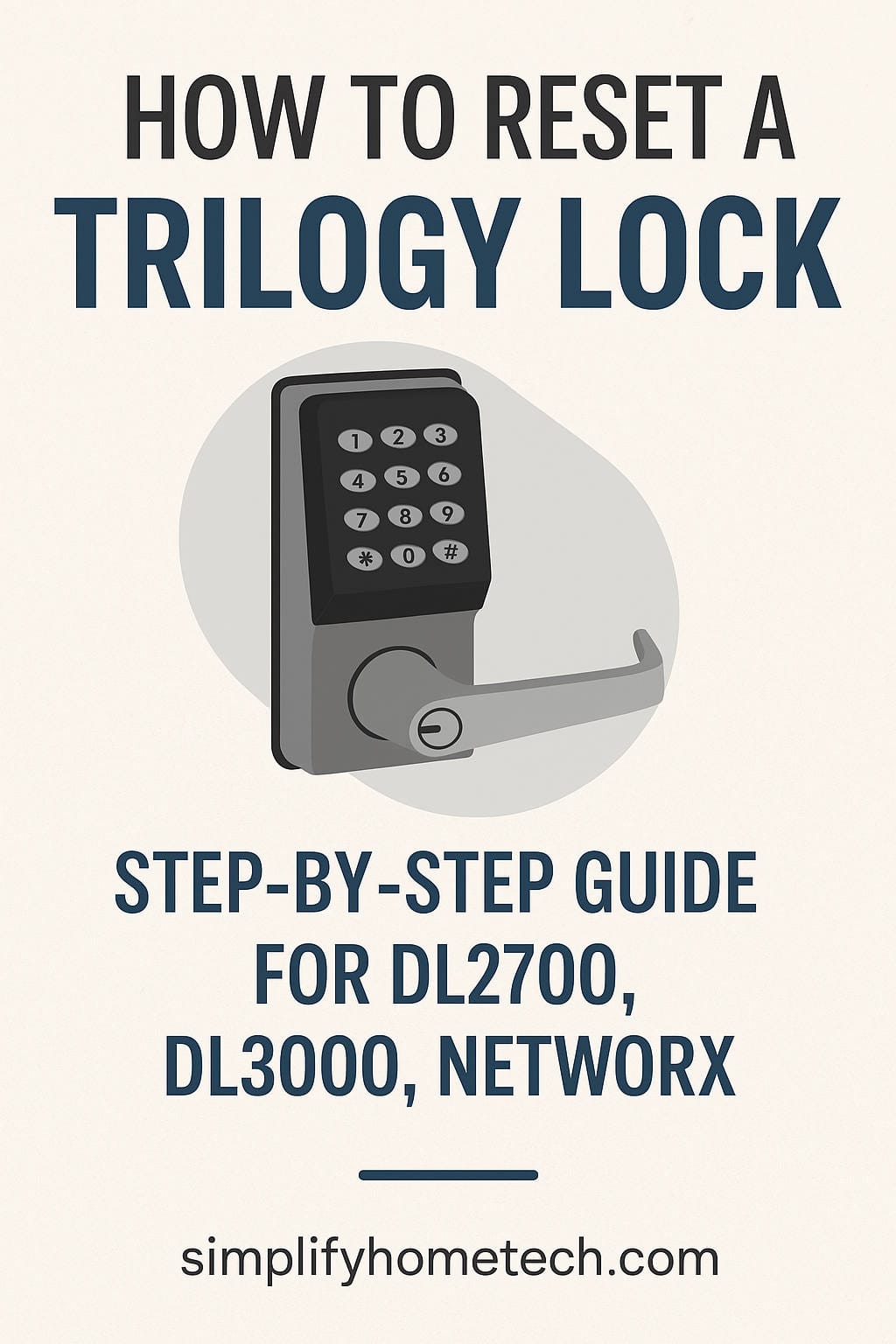
Forgot the Master Code on your Trilogy keypad lock? Inherited a door that nobody can program? Or maybe the lock has started acting strangely and you just want a clean slate. In all of these cases, a factory reset is usually the quickest way out. The good news is that you can reset a Trilogy lock yourself in a few minutes, without calling a locksmith, as long as you know which model you have and follow the right sequence.