
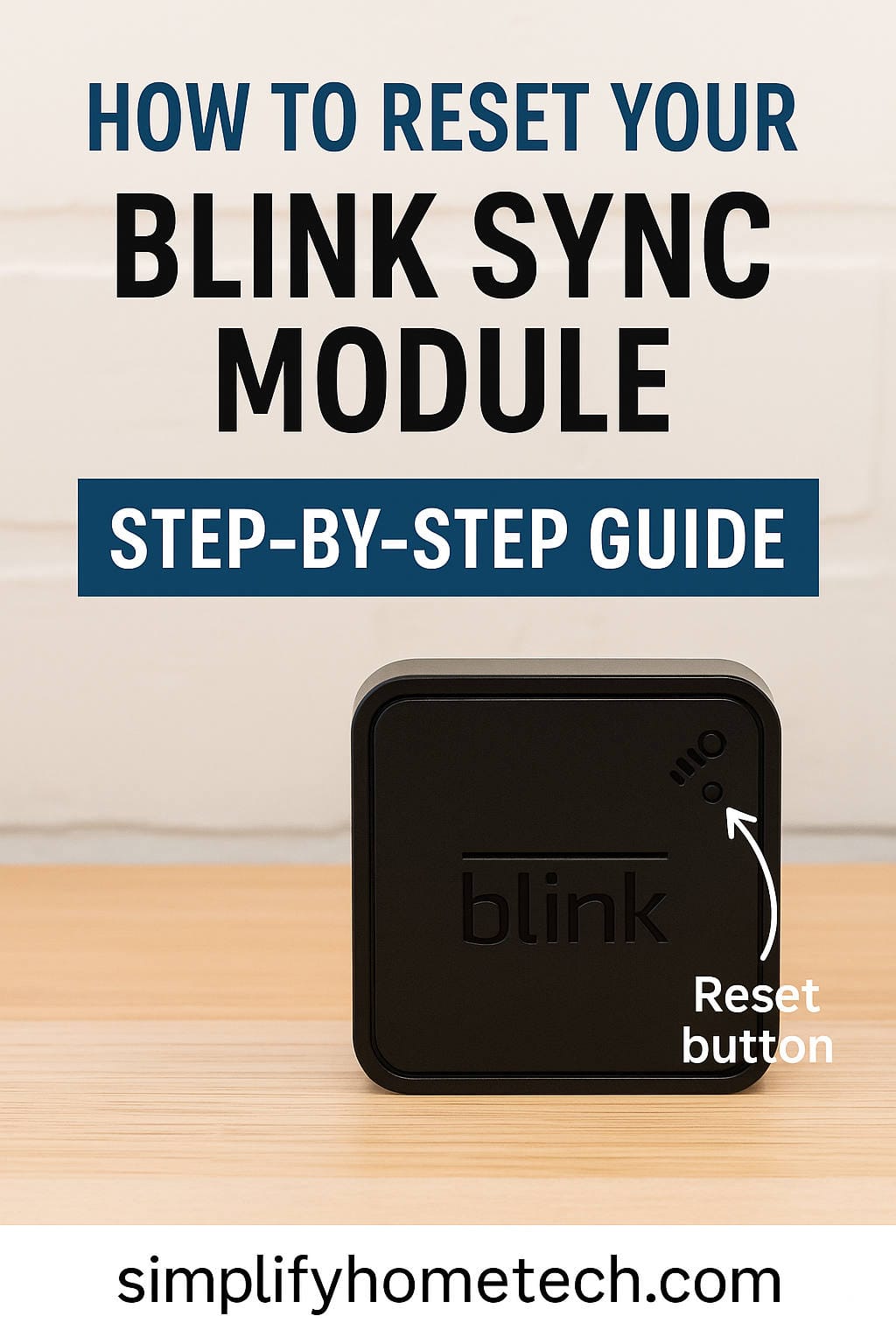
If you own a Blink security system, chances are high that you’ve come across issues that made you wonder: “Where’s the reset button on this thing?” Whether you’re troubleshooting a network problem, switching to a new Wi-Fi router, or preparing to sell your Blink cameras, understanding how and when to reset your Blink Sync Module is crucial. This guide is written to help you locate the reset button on both generations of the Blink Sync Module, walk you through the reset process, and offer practical tips to ensure your system stays up and running.
Security Camera
Fix Wyze Cam Not Connecting to Wi-Fi – Easy Troubleshooting Guide
Wyze Cams have earned a reputation for offering high-quality smart home surveillance at budget-friendly prices. With features like HD video recording, motion detection, night vision, and two-way audio, it’s no wonder they’ve become a staple in many households. But, like all technology, they’re not without their occasional hiccups—one of the most frustrating being the “Cannot connect to local network” error.
Fix Wyze Base Station Not Connecting – Complete Troubleshooting Guide (2025)
In today’s increasingly connected world, smart home devices like those from Wyze are no longer just conveniences—they’re essential tools for home security and automation. One critical piece of the Wyze ecosystem is the Wyze Base Station, which functions as the communication bridge for Wyze Cam Outdoor. When it fails to connect, it can compromise the functionality of your entire setup.
How to Factory Reset Any Wyze Camera (v1, v2, v3, Pan, Doorbell & More)
If you own a Wyze camera and it’s been acting up lately—maybe it’s not connecting to Wi-Fi, lagging, or behaving unpredictably—don’t worry. You’re not alone. Sometimes, even the smartest home gadgets need a little nudge to get back on track. That’s where a factory reset comes in.
How to Change Wi-Fi on Wyze Camera (v2/v3/Outdoor/Pan/OG) – Step-by-Step Guide 2025
If you’re switching internet providers, upgrading to a new router, or just renaming your Wi-Fi network, you’ll need to reconnect your Wyze cameras to the new network. While this might seem a bit daunting at first, the process is easier than you might think—especially with the right guidance.