
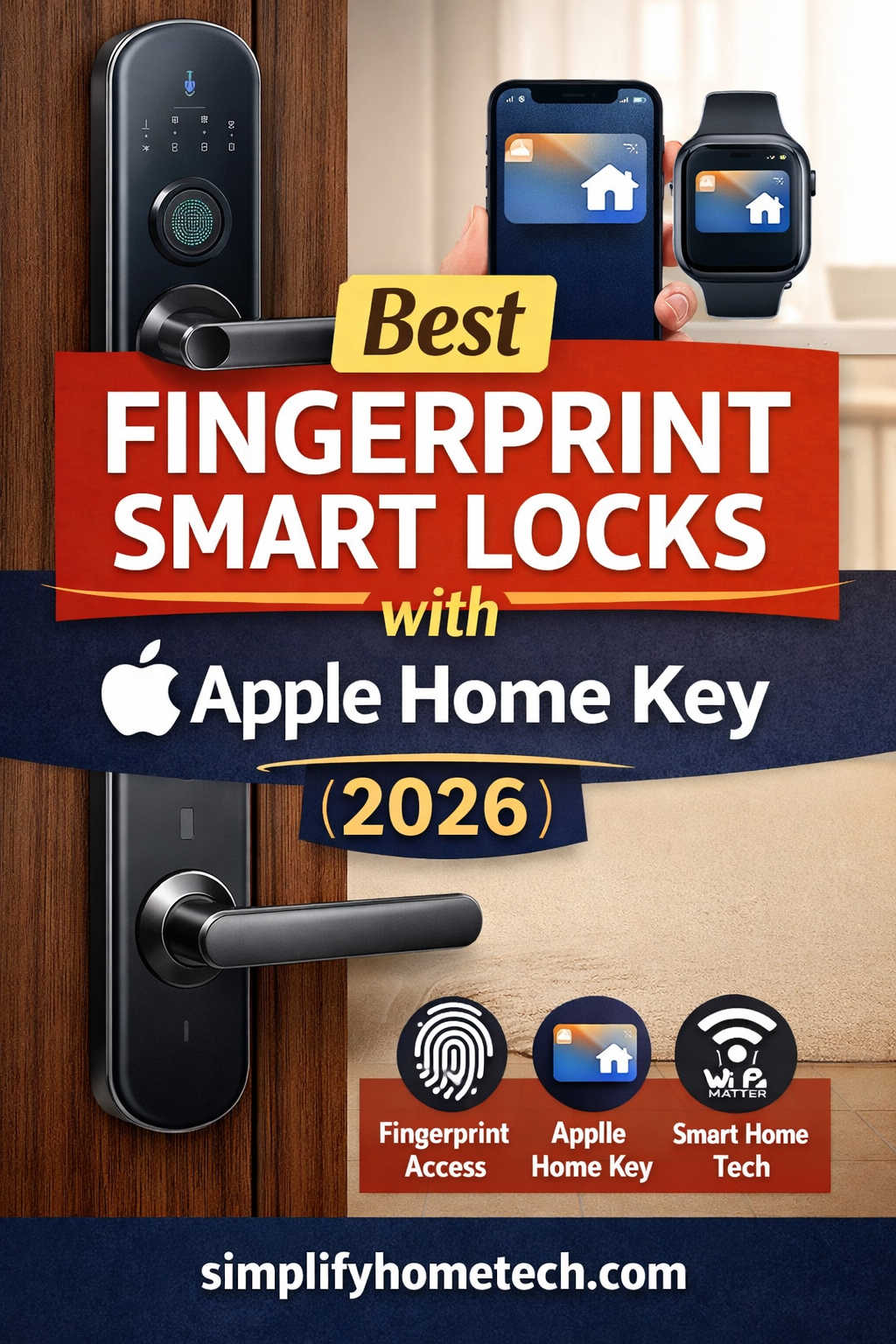
Smart home technology has matured rapidly, and in 2026, one feature stands above the rest for Apple users: Apple Home Key. Combine that with fingerprint unlocking, and you get the ultimate blend of convenience, security, and futuristic access control.
Instead of fumbling for keys—or even pulling out your phone—you can simply tap your iPhone or Apple Watch, or use your fingerprint to unlock your door in seconds.
But here’s the reality:
Not all smart locks support Apple Home Key, and even fewer offer reliable fingerprint access alongside it. Choosing the right one requires understanding both technologies and how they work together.
This detailed guide walks you through the best Apple Home Key compatible fingerprint smart locks in 2026, explains how to choose the right one, and helps you avoid costly mistakes.
Why Apple Home Key + Fingerprint Is the Best Combination in 2026
Most smart locks offer one or two ways to unlock your door. The best ones offer multiple seamless options.
Here’s why this combination is so powerful:
1. True Keyless Convenience
Apple Home Key allows you to unlock your door by simply tapping your iPhone or Apple Watch—no need to open an app.
2. Backup Access with Fingerprint
Fingerprint access ensures you can always get in—even if your phone battery dies or you leave your device behind.
3. Faster Daily Access
In real-world usage, fingerprint sensors are often the fastest method for repeated entry.
4. Multi-User Flexibility
Family members or guests can use fingerprints, passcodes, or Apple Wallet keys.
5. Enhanced Security
Combining encrypted Apple credentials with biometric verification creates a highly secure entry system.
The result? A smart lock that adapts to your lifestyle instead of forcing you to adapt to it.
Top Apple Home Key Compatible Fingerprint Smart Locks (2026)
Let’s break down the best options available right now.
Schlage Encode Plus Smart WiFi Deadbolt (Best Overall Performance)
If reliability is your top priority, this model consistently delivers.
The Schlage Encode Plus is widely regarded as one of the fastest and most dependable Apple Home Key locks available. It offers incredibly responsive NFC unlocking and strong physical security.
Key features:
- Built-in WiFi (no hub required)
- Apple Home Key support
- ANSI Grade 1 security rating
- Durable metal construction
- Touch keypad for PIN entry
What makes it great:
This lock simply works—every time. The unlocking speed is among the fastest in the category, and its build quality feels premium.
Limitations:
- No fingerprint sensor
- Slightly higher price
Best for:
Users who want the most reliable Apple Home Key experience and don’t need biometric access.
Aqara Smart Lock U400 (Best Advanced Smart Lock with Fingerprint)
If you want cutting-edge features, this is one of the most advanced smart locks in 2026.
The Aqara U400 combines Apple Home Key with fingerprint recognition and even introduces Ultra-Wideband (UWB) for hands-free unlocking.
Key features:
- Apple Home Key support
- High-accuracy fingerprint reader
- UWB automatic unlocking
- Matter and Thread compatibility
- Multiple unlock methods
Why it stands out:
The UWB feature allows your door to unlock automatically as you approach, making it feel almost magical.
Limitations:
- Requires proper smart home setup
- Premium pricing
Best for:
Tech enthusiasts who want a future-proof smart lock with all modern features.
Aqara Smart Lock U200 (Best Budget Apple Home Key Fingerprint Lock)
For those entering the smart home world, this is a great value option.
The Aqara U200 offers a balanced mix of features at a more accessible price point.
Key features:
- Apple Home Key support
- Fingerprint unlocking
- PIN and app access
- Compact design
Why it’s a smart buy:
You get both Apple Home Key and fingerprint functionality without spending heavily.
Limitations:
- May require a hub
- Slightly slower response than premium models
Best for:
Budget-conscious buyers who still want modern features.
Lockly Visage Smart Lock Handleset (Best Premium All-in-One Design)
If you’re upgrading your entire front door, this lock delivers both style and substance.
Key features:
- Apple Home Key compatibility
- Advanced 3D fingerprint sensor
- Full handleset design
- Anti-peep keypad technology
What makes it unique:
It replaces both your lock and handle, offering a cohesive, premium look.
Limitations:
- Higher cost
- Slightly slower NFC unlocking
Best for:
Homeowners focused on design and a complete front-door upgrade.
Yale Assure Lock 2 Plus (Best for Smart Home Compatibility)
This lock is ideal if you use multiple smart ecosystems.
Key features:
- Apple Home Key support
- Matter compatibility
- Modular upgrades (including fingerprint module)
- Sleek, minimal design
Why choose it:
It works seamlessly with Apple, Google, and Alexa ecosystems.
Limitations:
- Fingerprint module may be optional
- Slight learning curve during setup
Best for:
Users with mixed smart home systems.
DESLOC Smart Lock K120 with GPT 3D Fingerprint (Best Value Fingerprint Smart Lock)
The DESLOC Smart Lock K120 stands out for its affordability and advanced biometric technology.
While it does not natively support Apple Home Key, it earns a spot in this list as a strong alternative for fingerprint-first users who want premium features at a lower cost.
Key features:
- GPT-powered 3D fingerprint recognition
- Fast unlock speeds
- Anti-spoofing biometric technology
- App control and passcode entry
- Durable and weather-resistant design
What makes it impressive:
The GPT 3D fingerprint system improves accuracy over time by learning your fingerprint patterns.
Limitations:
- No Apple Home Key support
- Limited deep Apple ecosystem integration
Best for:
Users who prioritize fingerprint unlocking and want excellent value.
Comparison Overview
Here’s a simplified breakdown to help you decide:
- Best overall reliability: Schlage Encode Plus
- Best advanced features: Aqara U400
- Best budget option: Aqara U200
- Best premium design: Lockly Visage
- Best ecosystem flexibility: Yale Assure Lock 2 Plus
- Best fingerprint value option: DESLOC K120
How to Choose the Right Smart Lock
Choosing the best smart lock depends on your priorities.
Choose based on your usage:
- If you use Apple devices heavily → prioritize Apple Home Key
- If you want fastest entry → prioritize fingerprint
- If you want automation → choose Matter/Thread-enabled locks
- If you want long-term value → pick upgradeable systems
Important factors to consider:
1. Compatibility
Ensure it works with your existing smart home system.
2. Security rating
Look for high-grade certifications and strong build quality.
3. Installation type
Check if it fits your door without modifications.
4. Battery life
Long battery life reduces maintenance hassle.
5. Unlock speed
Small differences matter in daily use.
Apple Home Key vs Fingerprint: Which Should You Use?
Both methods are excellent—but they shine in different situations.
Use Apple Home Key when:
- You’re carrying your iPhone or Apple Watch
- You want seamless integration with Apple Home
- You prefer contactless access
Use fingerprint when:
- You want instant access without devices
- Your phone battery is low
- Multiple users need quick access
The smartest approach is to use both together.
Installation and Setup Tips
Installing a smart lock is usually straightforward, but a few tips can save time:
- Ensure your door alignment is correct
- Replace old batteries before setup
- Update firmware immediately
- Test all unlocking methods after installation
- Set backup PIN codes for emergencies
Common Mistakes to Avoid
Many users make avoidable mistakes when choosing a smart lock.
- Buying without checking Apple Home Key compatibility
- Ignoring fingerprint accuracy reviews
- Choosing based only on price
- Skipping smart home integration checks
- Not planning for backup access
Avoid these, and your experience will be much smoother.
Future Trends in Smart Locks (2026 and Beyond)
Smart locks are evolving fast, and here’s what’s shaping the future:
Ultra-Wideband (UWB)
Hands-free unlocking without tapping devices.
Matter Standard
Universal compatibility across ecosystems.
AI Learning Systems
Locks that adapt to your daily habits.
Advanced Biometrics
Fingerprint, facial recognition, and more.
Frequently Asked Questions
Do all Apple Home Key locks have fingerprint scanners?
No. Only select models offer both features together.
Do I need an Apple Home hub?
Yes, for full automation and remote control.
What happens if my phone battery dies?
Apple Home Key supports power reserve, but fingerprint or PIN acts as backup.
Are fingerprint smart locks safe?
Yes, modern models use encrypted storage and anti-spoofing technology.
Can multiple users store fingerprints?
Yes, most locks allow multiple users with individual access.
Is installation difficult?
Most smart locks can be installed in under 30 minutes with basic tools.
Final Thoughts
The best smart locks in 2026 are no longer just about security—they’re about effortless living.
A lock that supports both Apple Home Key and fingerprint access gives you:
- Maximum convenience
- Flexible entry options
- Future-ready smart home integration
If you want the safest bet, go with a proven Apple Home Key lock.
If you want cutting-edge features, choose a model with fingerprint and UWB.
And if you’re on a budget, there are now solid options that don’t compromise much.
The key is choosing a lock that fits your daily routine—not just your door.