
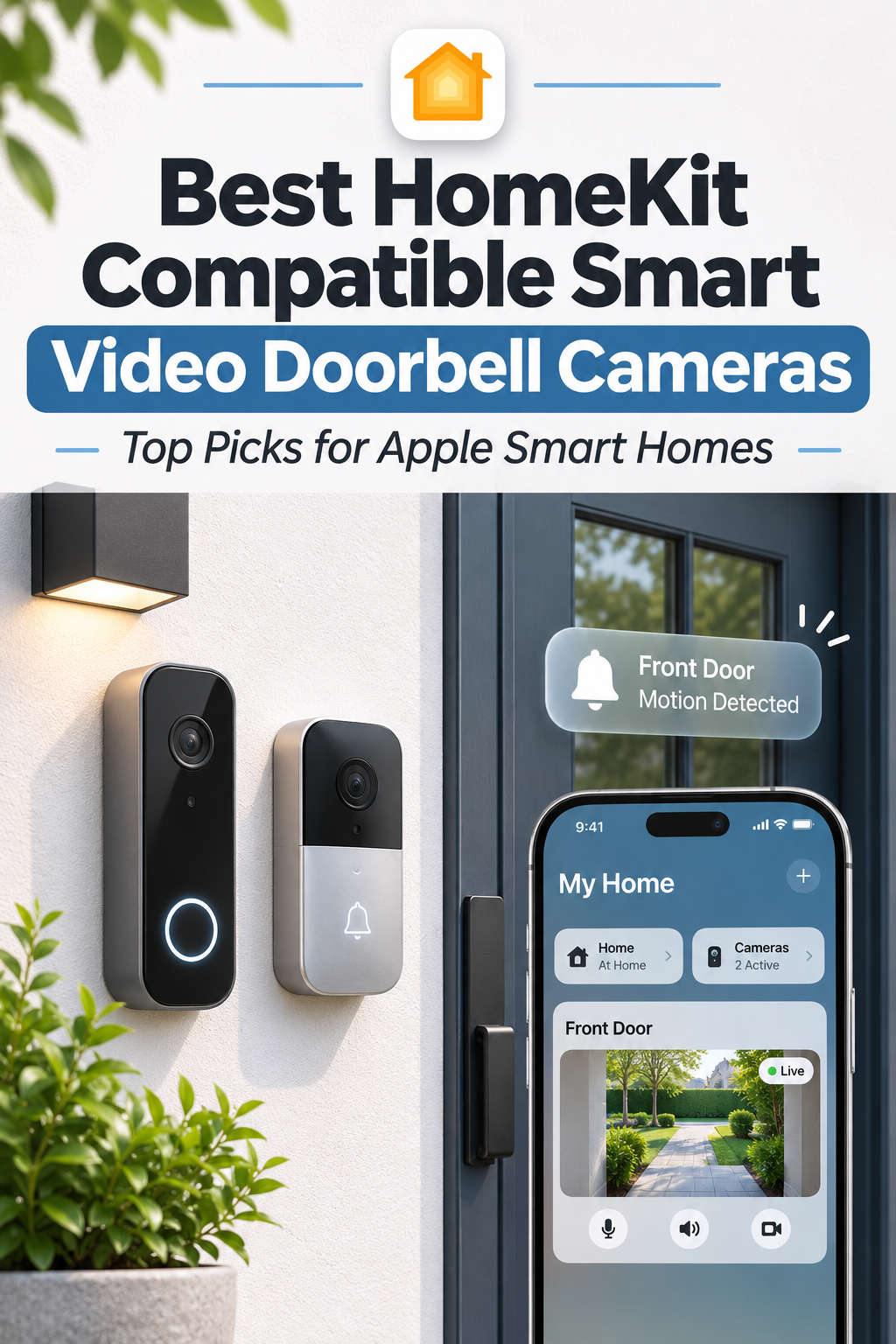
Looking for the best HomeKit-compatible smart video doorbell cameras in 2026? If you already use an iPhone, HomePod, or Apple TV, a doorbell that works with Apple Home can make everyday home security much easier.
Instead of opening a separate app whenever someone arrives, you can check your front door, receive visitor alerts, and communicate through two-way audio from Apple’s Home app. Some models also support HomeKit Secure Video, which adds encrypted recordings, smart motion detection, and facial recognition.
The challenge is finding a doorbell that offers genuine Apple Home integration. Many smart cameras work with iPhones, but that doesn’t mean they support HomeKit or Apple’s secure recording features.
In this guide, we’ll compare the best HomeKit video doorbells, explain their advantages and limitations, and help you choose a reliable camera for your home.
What Is a HomeKit-Compatible Video Doorbell?
A HomeKit-compatible video doorbell connects to Apple’s smart home ecosystem, allowing you to manage supported camera features through the Home app.
Depending on the model, you can watch live video, receive doorbell notifications, speak with visitors, and view camera alerts on compatible Apple devices.
The biggest advantage is convenience. Your doorbell can work alongside smart lights, locks, sensors, and other HomeKit accessories.
HomeKit vs. HomeKit Secure Video
Although these terms sound similar, they offer different capabilities.
HomeKit compatibility provides integration with Apple Home, including supported live-view and notification features.
HomeKit Secure Video (HKSV) adds encrypted iCloud event recording, intelligent activity detection, and familiar-face recognition.
With a compatible home hub and iCloud+ subscription, HomeKit Secure Video can store up to 10 days of recorded activity. It also supports activity zones and notifications for people, animals, vehicles, and packages.
If privacy and Apple-based recording matter to you, prioritize a doorbell with native HomeKit Secure Video support.
Best HomeKit-Compatible Smart Video Doorbells in 2026
The best choice depends on your budget, existing wiring, network connection, and recording preferences. These four models offer different strengths without requiring complicated third-party HomeKit integrations.
1. Aqara Doorbell Camera Hub G410 – Best Overall
The Aqara Doorbell Camera Hub G410 is an excellent all-around choice for homeowners who want modern security features and flexible installation.
Its 2K camera provides detailed video, while the wide 175-degree viewing angle helps capture visitors and activity around the entrance. The camera uses a 4:3 aspect ratio, providing useful coverage of both faces and nearby packages.
One standout feature is mmWave radar-based presence detection. Unlike basic motion sensors, it can help detect someone standing relatively still near your door.
The G410 supports six replaceable AA batteries or compatible wired power, making it suitable for homes with or without existing doorbell wiring.
It also includes an indoor chime-hub with Aqara Zigbee and Thread networking capabilities.
HomeKit Secure Video is supported, although Apple Home recordings are limited to 1200p rather than the camera’s full 2K resolution. Continuous local recording requires wired power.
Best for: Homeowners who want flexible installation, advanced detection, and broader smart home integration.
Potential drawback: Some recording features are unavailable during battery-powered operation.
2. Aqara Doorbell Camera G400 – Best Wired HomeKit Doorbell
If you prefer a permanent installation, the Aqara G400 Wired is a strong alternative.
Its 2K camera uses a vertical 3:4 aspect ratio, helping capture visitors from head to toe and packages left near the entrance.
Unlike battery-powered models, the G400 supports Power over Ethernet (PoE) or compatible low-voltage wiring.
PoE is particularly useful because one cable carries both electrical power and network data. This can provide more reliable connectivity than Wi-Fi, especially when the front door is far from your router.
The G400 also supports continuous local recording, compatible network storage integrations, and HomeKit Secure Video.
However, HomeKit recordings are limited to 1200p, and the camera does not directly operate a conventional wired doorbell chime.
Best for: Homeowners who prefer continuous power, dependable connectivity, and local recording options.
Potential drawback: Installation is less flexible because the camera requires wiring.
3. Aqara Smart Video Doorbell G4 – Best Budget-Friendly Option
The Aqara Smart Video Doorbell G4 remains a practical choice for people who want Apple Home integration without investing in a more advanced model.
It offers 1080p video, infrared night vision, two-way communication, and HomeKit Secure Video support.
Although its resolution is lower than that of newer Aqara models, it provides sufficient detail for checking visitors and monitoring deliveries.
The G4 runs on six AA batteries or compatible low-voltage wiring. Its included indoor chime repeater also supports local microSD storage.
This combination is attractive if your home lacks existing doorbell wiring.
However, battery life depends on usage, temperature, and recording activity. Continuous recording requires wired power, and the camera relies on 2.4GHz Wi-Fi.
Best for: Budget-conscious Apple users and homeowners who need a battery-powered doorbell.
Potential drawback: Its older hardware and lower resolution may feel limiting compared with newer alternatives.
4. Logitech Circle View Doorbell – Best Apple-Focused Experience
The Logitech Circle View Doorbell is designed for homeowners who prefer managing their cameras directly through Apple’s ecosystem.
Its portrait-style 1200 × 1600 video provides a useful head-to-toe view, making it easier to see both visitors and deliveries.
HDR imaging helps balance bright and dark areas, while color night vision can improve visibility when sufficient ambient lighting is available.
The doorbell supports HomeKit Secure Video, including Apple’s encrypted recordings and intelligent notifications.
However, it requires compatible low-voltage wiring and does not offer battery-powered installation.
As an older product, buyers should also verify availability, ongoing support, and compatibility with their existing electrical setup.
Best for: Apple-focused households with suitable doorbell wiring.
Potential drawback: Limited installation flexibility and an aging hardware platform.
HomeKit Video Doorbell Comparison
Here is a quick comparison of the recommended models.
| Doorbell | Resolution | Power options | HomeKit Secure Video |
|---|---|---|---|
| Aqara G410 | 2K | Battery or wired | Yes |
| Aqara G400 | 2K | PoE or wired | Yes |
| Aqara G4 | 1080p | Battery or wired | Yes |
| Logitech Circle View | 1200 × 1600 | Wired | Yes |
The G410 offers the best balance of features and flexibility. The G400 is better suited to permanent wired installations, while the G4 remains an affordable alternative.
Remember that camera sensor resolution and HomeKit recording resolution may differ.
How to Choose the Best HomeKit Video Doorbell
Before buying, consider how the camera will work in your home. A model with impressive specifications may still disappoint if its power requirements, viewing angle, or connectivity do not suit your entrance.
Battery vs. Wired Installation
Battery-powered doorbells are easier to install where existing wiring is unavailable.
However, batteries require maintenance, and frequent alerts can shorten their lifespan.
Wired cameras provide continuous power and may support additional recording features. PoE models offer the added benefit of stable wired networking.
Choose based on your installation possibilities rather than assuming one power system is always better.
Video Quality and Viewing Angle
Resolution matters, but camera positioning matters just as much.
A tall viewing angle is especially useful for seeing packages placed close to your doorstep. HDR helps when sunlight creates strong shadows, while infrared night vision improves visibility after dark.
Consider where visitors normally stand and where deliveries are left before selecting a camera.
Recording Options and Privacy
HomeKit Secure Video stores encrypted event recordings in iCloud using an eligible subscription.
Some cameras also support microSD cards, network storage, or continuous recording through the manufacturer’s app.
Local recording can be useful if you want an additional storage option, but it does not automatically guarantee better security.
Firmware updates, account protection, encryption, and access permissions remain important.
Motion Detection and Smart Alerts
Too many alerts can make a security camera frustrating.
Look for intelligent person detection, customizable activity zones, and package notifications.
These features help distinguish meaningful activity from passing vehicles, moving trees, or pedestrians outside your property.
What Do You Need for HomeKit Secure Video?
To use the full HomeKit Secure Video experience, you’ll need compatible Apple hardware and an eligible iCloud+ plan.
A HomePod, HomePod mini, or compatible Apple TV can function as your home hub. The hub manages important features such as secure recording and remote access.
Apple’s iCloud+ recording allowances include:
- 50GB plan: One HomeKit Secure Video camera.
- 200GB plan: Up to five cameras.
- 2TB or higher: Unlimited supported cameras.
Recorded activity is available for up to 10 days, and HomeKit Secure Video recordings do not count against your regular iCloud storage allowance.
You can still use certain live-view or local recording functions without iCloud+, depending on your doorbell.
How to Install a HomeKit Video Doorbell
Setting up a compatible doorbell is usually straightforward, although the exact process varies between manufacturers.
Check Power and Mounting Requirements
Start by confirming whether your chosen model needs batteries, low-voltage wiring, or PoE.
For wired installations, verify transformer compatibility and disconnect electrical power before working on the circuit.
Choose a mounting position that captures visitors and deliveries without pointing directly toward bright sunlight.
Connect the Doorbell to Your Network
Follow the manufacturer’s instructions to configure the camera and any required chime or hub.
For Wi-Fi models, test signal strength near your entrance.
A stable connection improves live video performance and helps prevent delayed notifications.
Add the Camera to Apple Home
Open the Home app, select Add Accessory, and follow the pairing instructions.
Scan the supplied HomeKit code when prompted.
Once the camera appears, test live viewing, two-way audio, and doorbell notifications.
If HomeKit Secure Video is available, configure recording preferences and activity zones.
Common HomeKit Video Doorbell Problems and Fixes
Even reliable cameras occasionally experience connectivity or recording problems. Most issues can be traced to power, Wi-Fi, software settings, or the home hub.
Doorbell Not Connecting to Apple Home
First, check that the camera has power and has completed its initial setup.
Ensure your iPhone is connected to the appropriate network and that any required chime-hub is online.
Update the camera’s firmware before attempting pairing again.
These steps help because HomeKit setup depends on communication between the accessory, your Apple device, and the local network.
Camera Keeps Going Offline
Check battery levels or the wired power supply.
If power is stable, test Wi-Fi coverage at the front door.
Weak signals can interrupt video transmission, especially through thick exterior walls.
Moving a mesh access point closer or using wired networking where supported can improve reliability.
HomeKit Secure Video Is Not Recording
Confirm that your iCloud+ plan supports your connected cameras and that your Apple home hub is online.
Next, open the camera settings and check whether recording is enabled.
Review activity zones and detection categories as well.
A camera configured to record only people may ignore other motion events, even when its live feed works normally.
Notifications Arrive Late
Delayed alerts often result from poor network performance or notification settings.
Test how quickly the live feed opens. If it loads slowly, improve your camera’s network connection.
Also check iPhone notification permissions and Focus settings.
These checks help separate network delays from notifications that your phone may be suppressing.
Night Vision Is Blurry
Clean the camera lens and inspect nearby reflective surfaces.
Infrared light can bounce off walls, glass, or door frames, creating a washed-out image.
Adjusting the camera angle or improving exterior lighting may produce clearer nighttime footage.
Should You Upgrade Your Existing Smart Doorbell?
Replacing a working doorbell is not always necessary.
If your current camera delivers reliable video, useful notifications, and secure recordings, upgrading solely for a higher resolution may offer little practical benefit.
However, replacement makes sense when your existing model frequently disconnects, lacks security updates, or cannot integrate with Apple Home.
A newer doorbell may also be worthwhile if you need better package visibility, more accurate detection, or local recording.
For most users, the decision should depend on solving a real problem rather than simply owning the newest model.
Frequently Asked Questions
Which HomeKit video doorbell is best in 2026?
The Aqara G410 is a strong overall choice because it combines flexible power options, advanced detection, and HomeKit Secure Video. The G400 is better suited to wired installations.
Can I use a HomeKit doorbell without a subscription?
Yes, for supported basic functions such as live viewing. Some models also offer local recording. However, HomeKit Secure Video cloud recording requires iCloud+.
Does HomeKit Secure Video record continuously?
No. HomeKit Secure Video primarily records detected events rather than maintaining a continuous cloud recording. Some doorbells separately support 24/7 local recording.
Can a HomeKit doorbell work with smart locks?
Yes. Compatible smart locks and doorbells can appear together in Apple Home, allowing convenient monitoring and lock control. Available automations depend on the devices.
Do Matter-compatible doorbells automatically support HomeKit Secure Video?
No. Matter compatibility does not automatically provide HomeKit Secure Video. Always verify the exact camera model’s native recording capabilities.
Final Verdict: The Best HomeKit Video Doorbell for Your Home
A good HomeKit-compatible video doorbell should make home security simpler, not introduce more complicated settings or unreliable notifications.
For most households, the Aqara Doorbell Camera Hub G410 offers an appealing balance of features, installation flexibility, and Apple Home integration.
The Aqara G400 makes more sense for homeowners who prefer wired reliability and continuous local recording. The Aqara G4 is a practical budget alternative, while the Logitech Circle View suits households seeking a more Apple-centered experience.
Before upgrading, check your existing wiring, Wi-Fi coverage, home hub, and recording requirements. If you already own a compatible doorbell, try adjusting its activity zones, improving connectivity, and updating its firmware before replacing it.
Ultimately, the best choice is a camera that provides clear footage, dependable alerts, and secure access without demanding constant attention. With the right setup, your front door can become a natural part of your Apple smart home.